


TunePrint
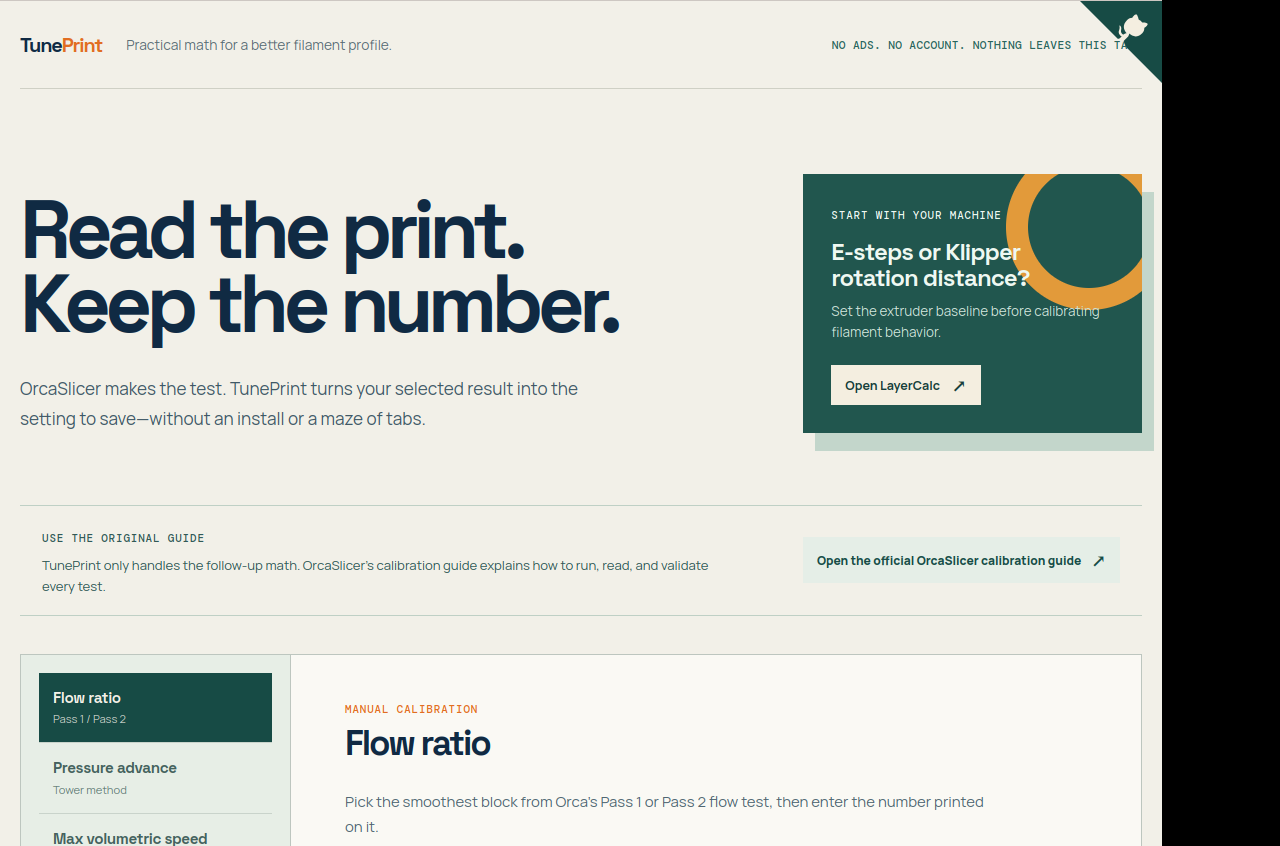
OrcaSlicer makes the test. TunePrint turns the result you select into the setting to save—without an install or a maze of tabs.
What TunePrint does
It handles follow-up calculations for six OrcaSlicer filament-calibration tests:
- Flow ratio, for the Pass 1 / Pass 2 tests
- Pressure advance, using the tower method
- Maximum volumetric speed, from the flow tower
- Temperature, by comparing the clean band
- Retraction, from the tower result
- VFA avoidance, for speed ranges
You still inspect the print and choose the result. TunePrint helps turn that choice into a profile value or range; it does not decide which test result is best.
Who it helps
It is for people using OrcaSlicer who already run filament-calibration tests and want less repeated arithmetic between the printed result and the profile setting. If you need help choosing, running, or validating a test, start with OrcaSlicer’s calibration guide.
How it works
- Run and read the test. Follow the calibration instructions and judge the print yourself.
- Choose the matching calculator. TunePrint has a separate calculator for each supported test.
- Enter the relevant value and selected result. For example, the Flow ratio calculator asks for the current flow ratio and the chosen block’s modifier.
- Use the result in your profile. TunePrint gives you the follow-up setting to save; you remain responsible for checking the result in your own workflow.
TunePrint is an unofficial calculation companion. OrcaSlicer’s guide remains the reference for how to run, read, and validate calibration tests.
Why I built it
I use OrcaSlicer. After enough calibration work, I got tired of rereading guides and manually doing the math from the results. TunePrint is my small bridge from a result I have selected to a setting worth saving. Calibration still depends on understanding and inspecting the printer’s tests.
What I used
The ideas and problem-solving behind TunePrint were mine; Codex helped me build it. The app uses TypeScript, React, and Vite.
Related calibration resources
- OrcaSlicer’s calibration guide How to run, read, and validate each test.
- LayerCalc E-steps calculator Set the extruder baseline before calibrating filament behavior.
From the workbench
The Build Log covers why I made TunePrint and how it fits into the calibration workflow.