


Project journal Projects & Builds
Setting up my garage grow tent for resin printing
I do plenty of FDM printing, but resin has me planning for the drips, washing, cleanup, and contaminated tools around the printer.
This is the dated story. See the project's current picture
Current checkpoint
BuildingCalibration prints passed; Puck reprinted cleanly after a failed first try — workspace still being built
- Started
- Updated
Where I'm at
The tent is assembled, with plastic on the floor and a temporary folding table inside. Both resin printers are on that table, but all my printing so far has been on the Saturn; the Photon P1's cord won't reach the overhead power until the standing desk is in. On the Saturn, the exposure test and calibration prints worked, and I've settled on 2.0 s per layer as a starting point. Then a test mini failed because I left debris in the vat, and the cleanup turned into a big resin mess. The reprint of that mini came out clean. Next, I'm rerunning the full-screen exposure test to make sure the LCD is OK. I have an inline fan for the exhaust, but it isn't ducted yet, so there's still no working exhaust. Doing that right will take time and money. I have new machines and want to play with them, so I started printing before it's ready. I'll explain how I'm approaching that below.
Jump to a section
Why I'm setting it up this way
I do plenty of FDM printing, but resin adds a cleanup path I need to plan for: letting prints drip, washing and drying them, curing them, and handling the contaminated tools. I know how easy it is to grab a tool and think, “I'm pretty sure that's clean.” I want resin tools to stay in their own area, with those steps close together, so I don't have to rely on memory or carry uncured resin across the shop. That's why I'm starting with the workspace and workflow before I think about printer upgrades.
From pickup to getting the tent in place
Starting the workspace
I picked up the printers and wash station, aired out the tent at home, and got the frame into the garage. Here's how I got the first pieces in place.
The equipment at pickup
I took these photos at pickup, before I brought the printers and wash station home.
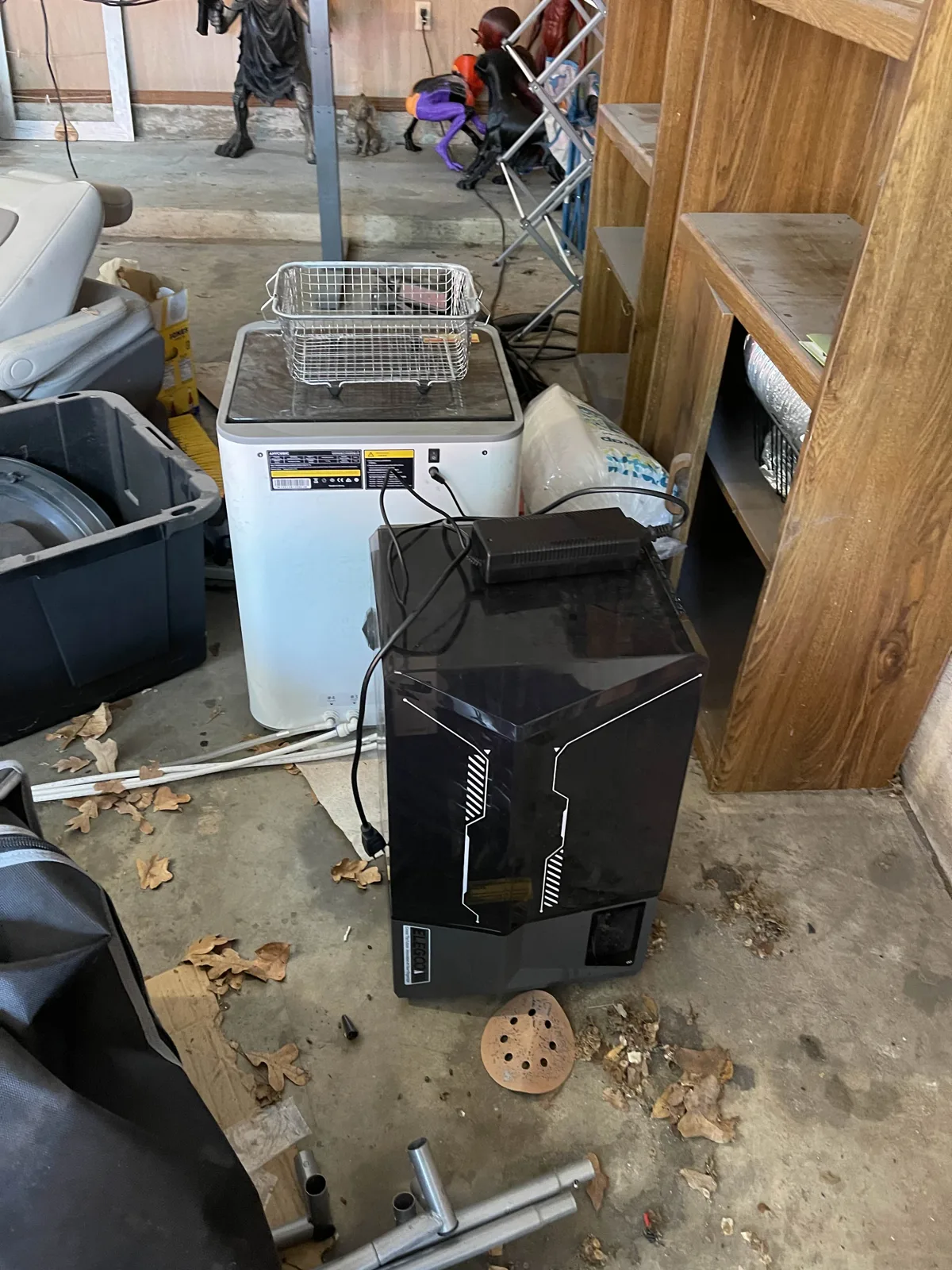
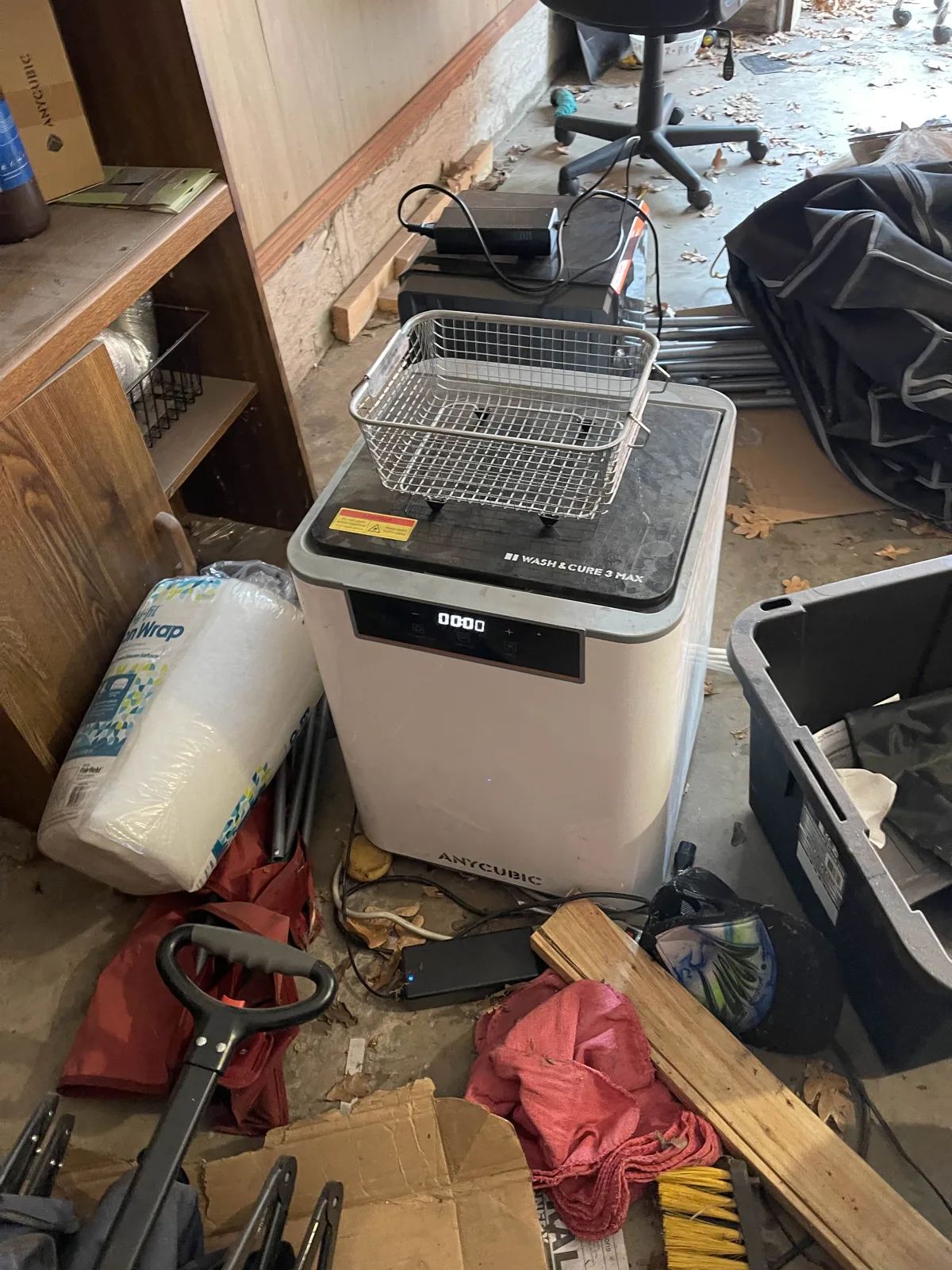
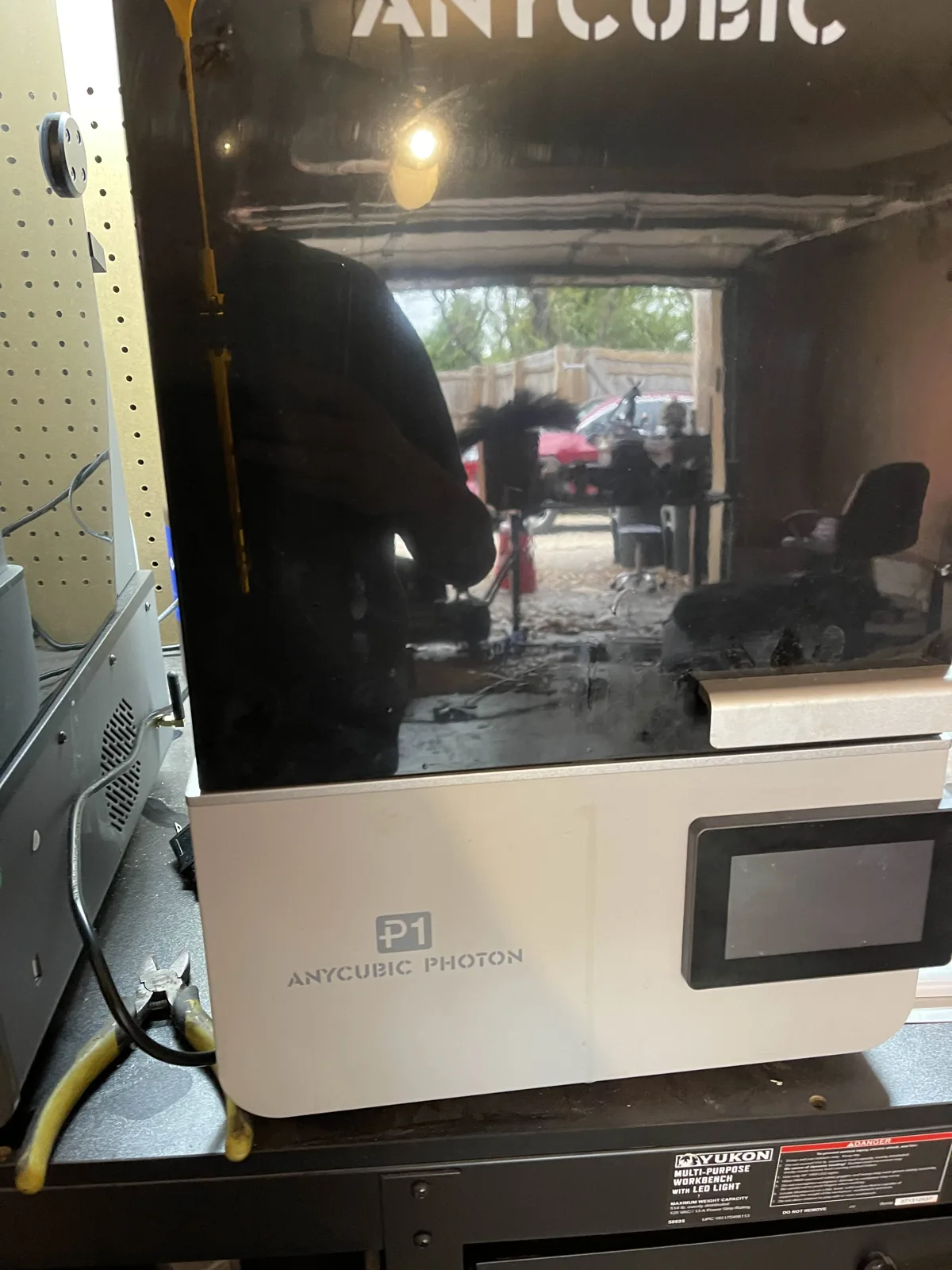
The Wash & Cure 3 Max came with the printers. It powers on and the display lights up, but I haven't figured out whether it works. There is cured resin in the lines, so I need to inspect it before I rely on it.
Airing out the tent at home
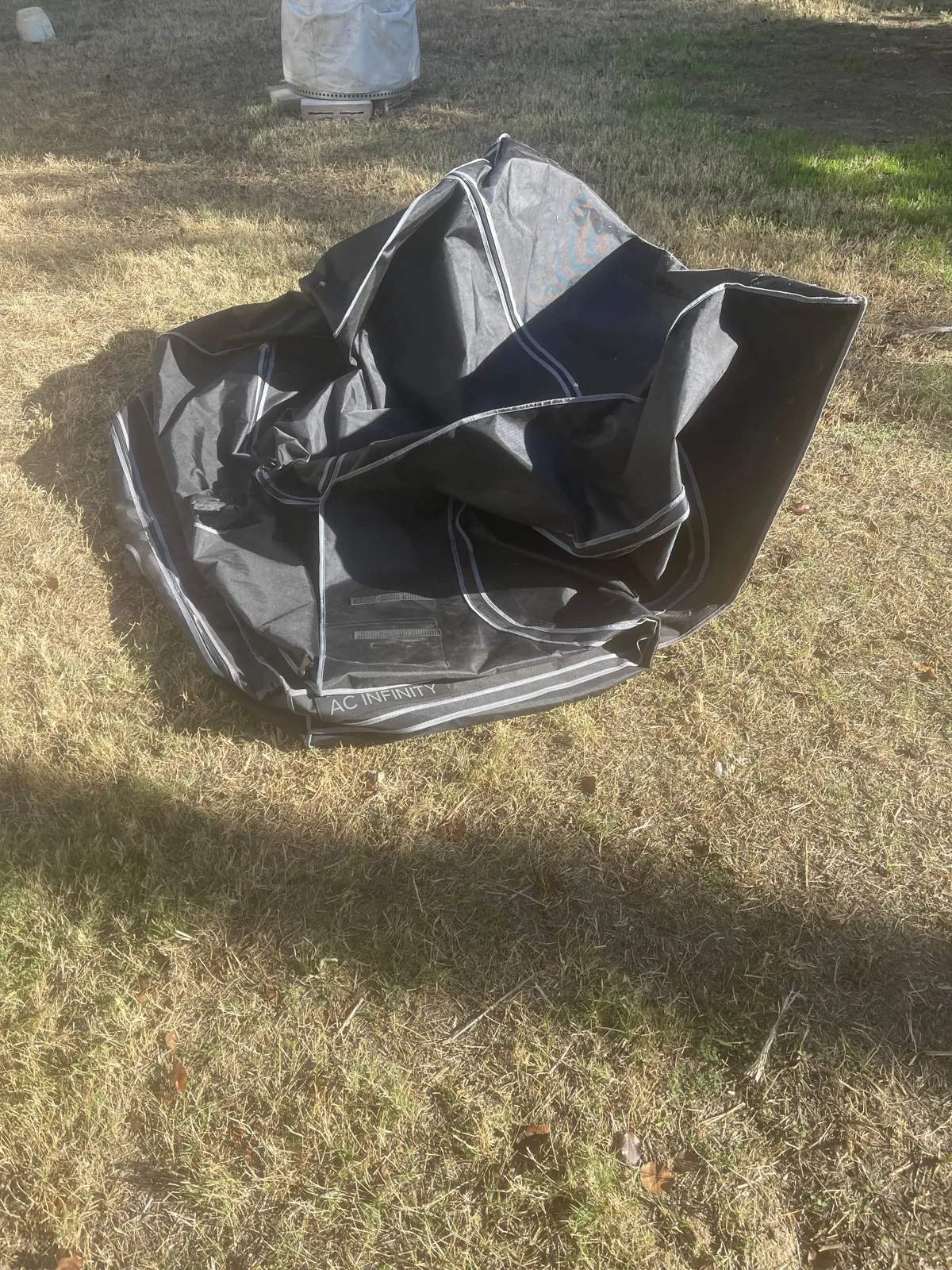
At home, I unzipped the AC Infinity tent and opened it up to air out. I also worked on curing small resin spills on the floor and elsewhere on the tent. I forgot to photograph it fully open, so the picture only catches part of the job.
Wrestling it into place
Getting the tent into place in the garage was less graceful. I took photos along the way: the bare frame, the fabric going on, and the tent finally standing where I wanted it. It's still empty in these shots; I hadn't put in the work surface yet.
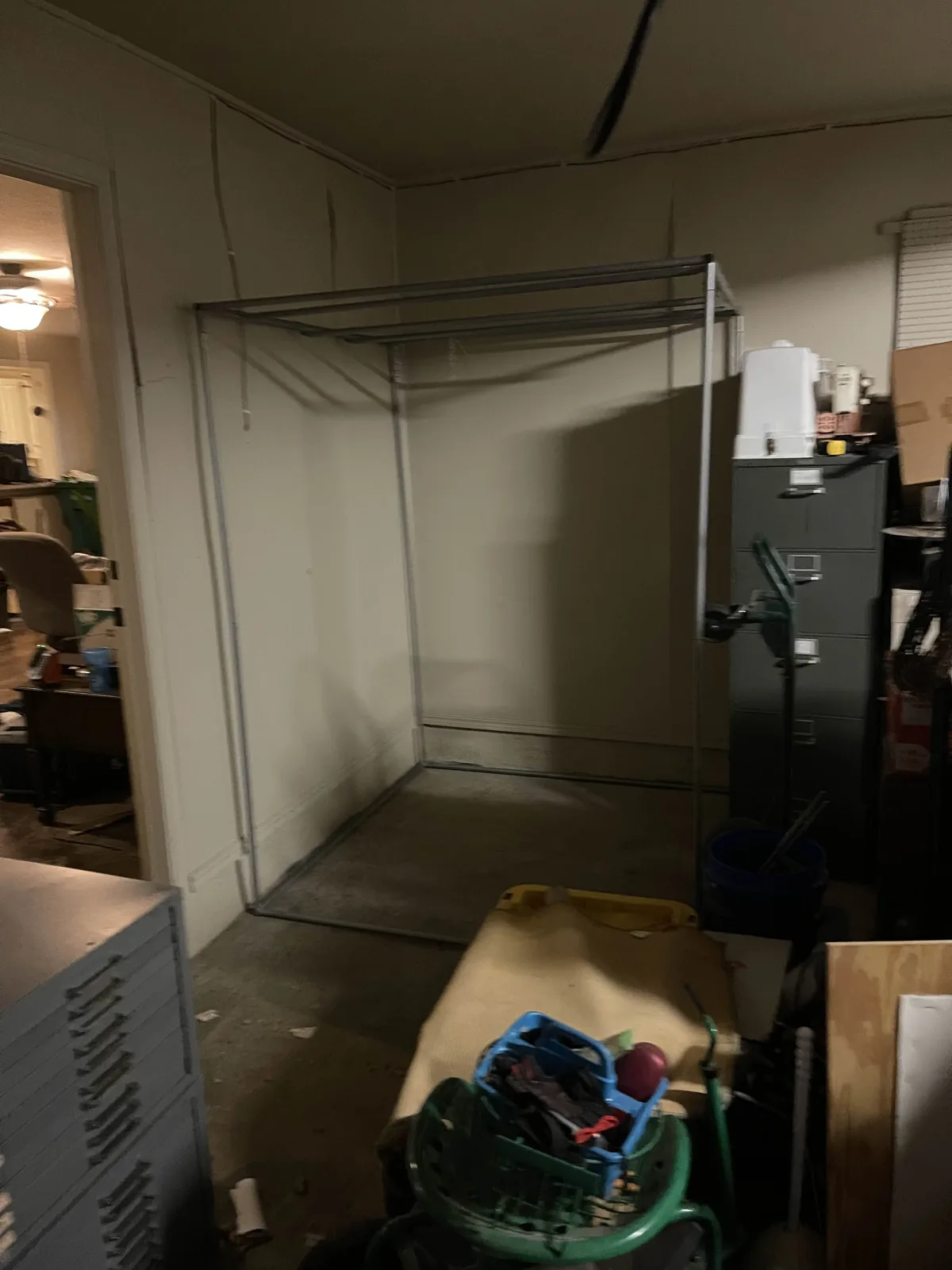
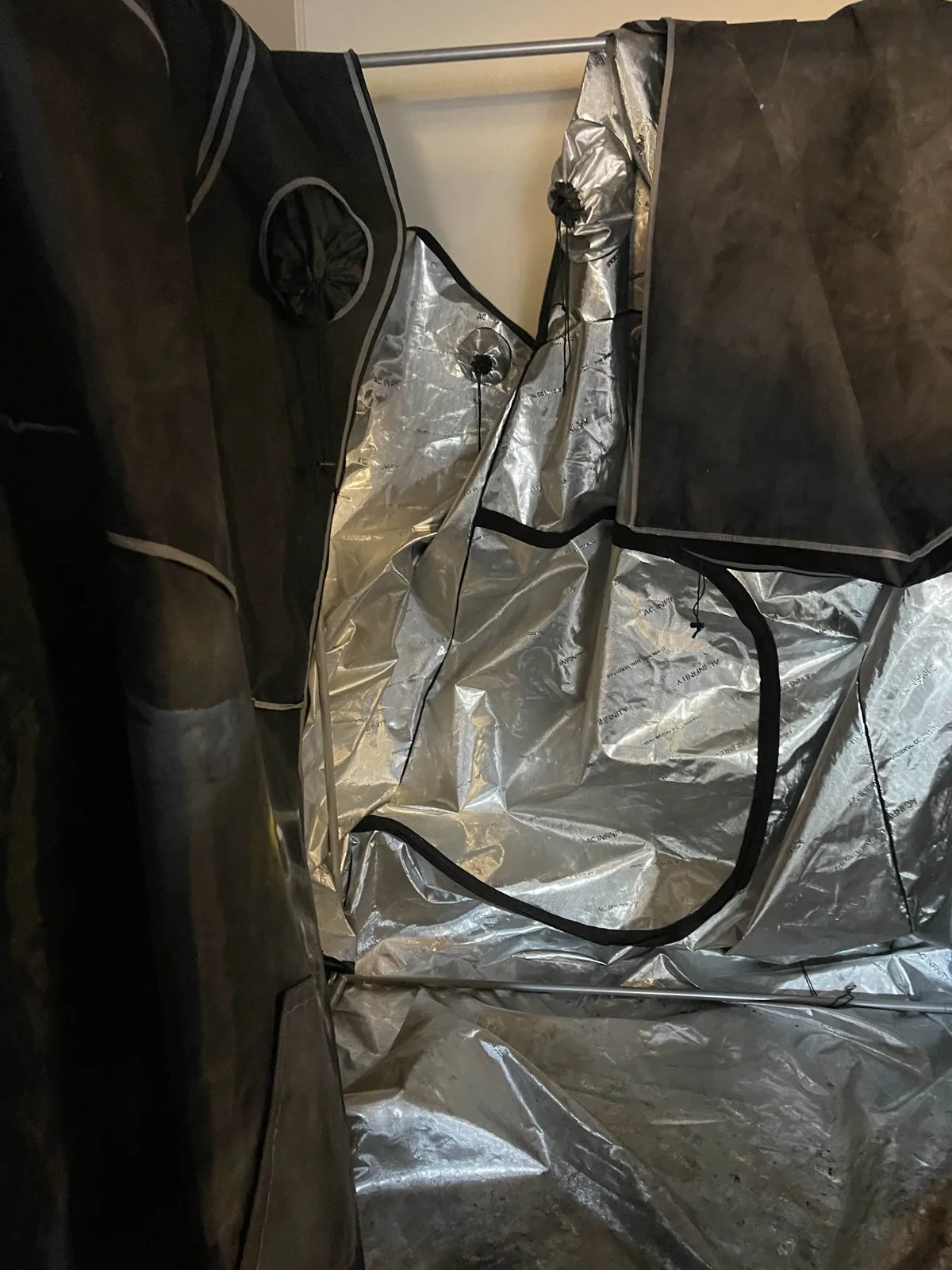
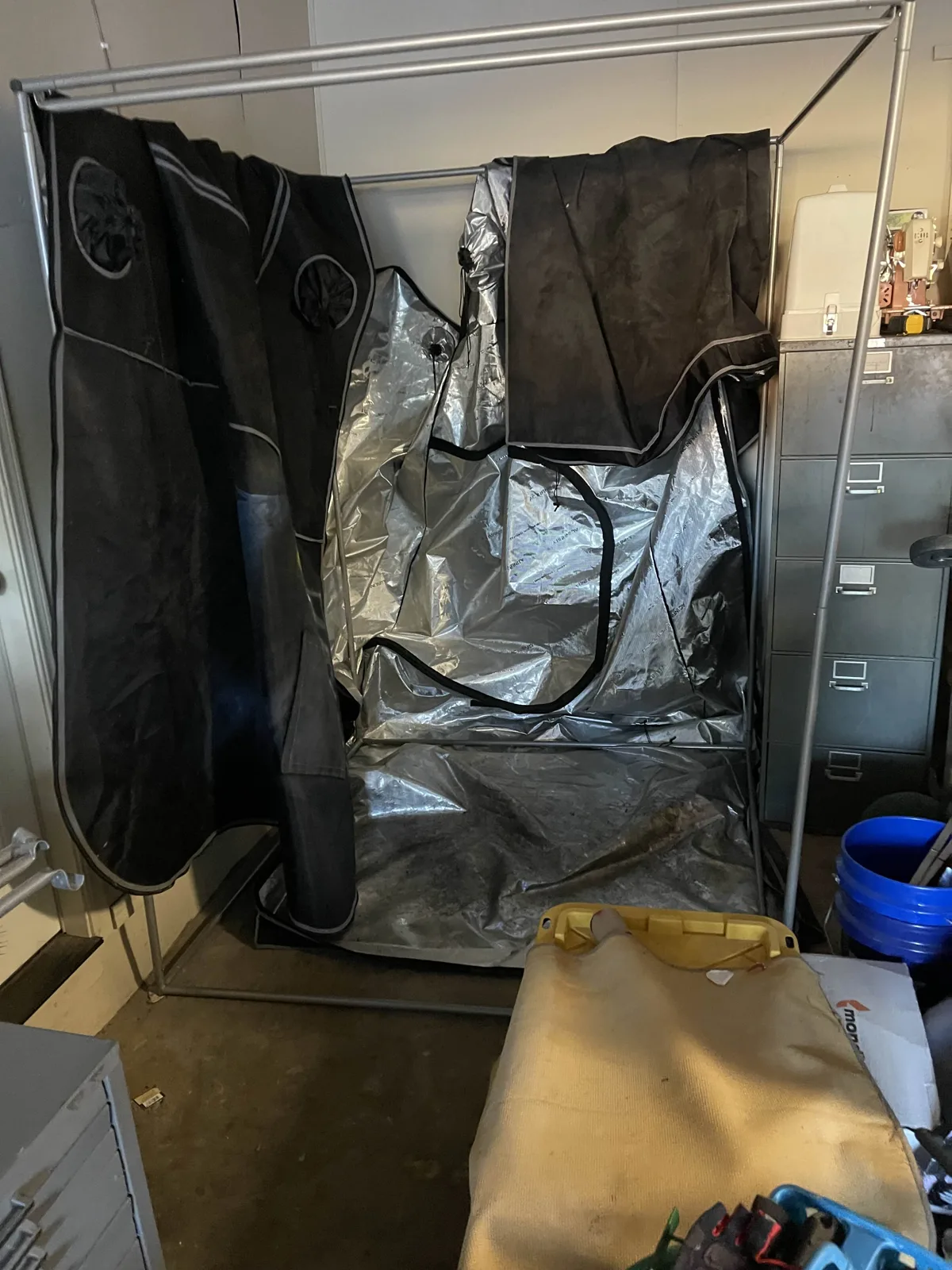
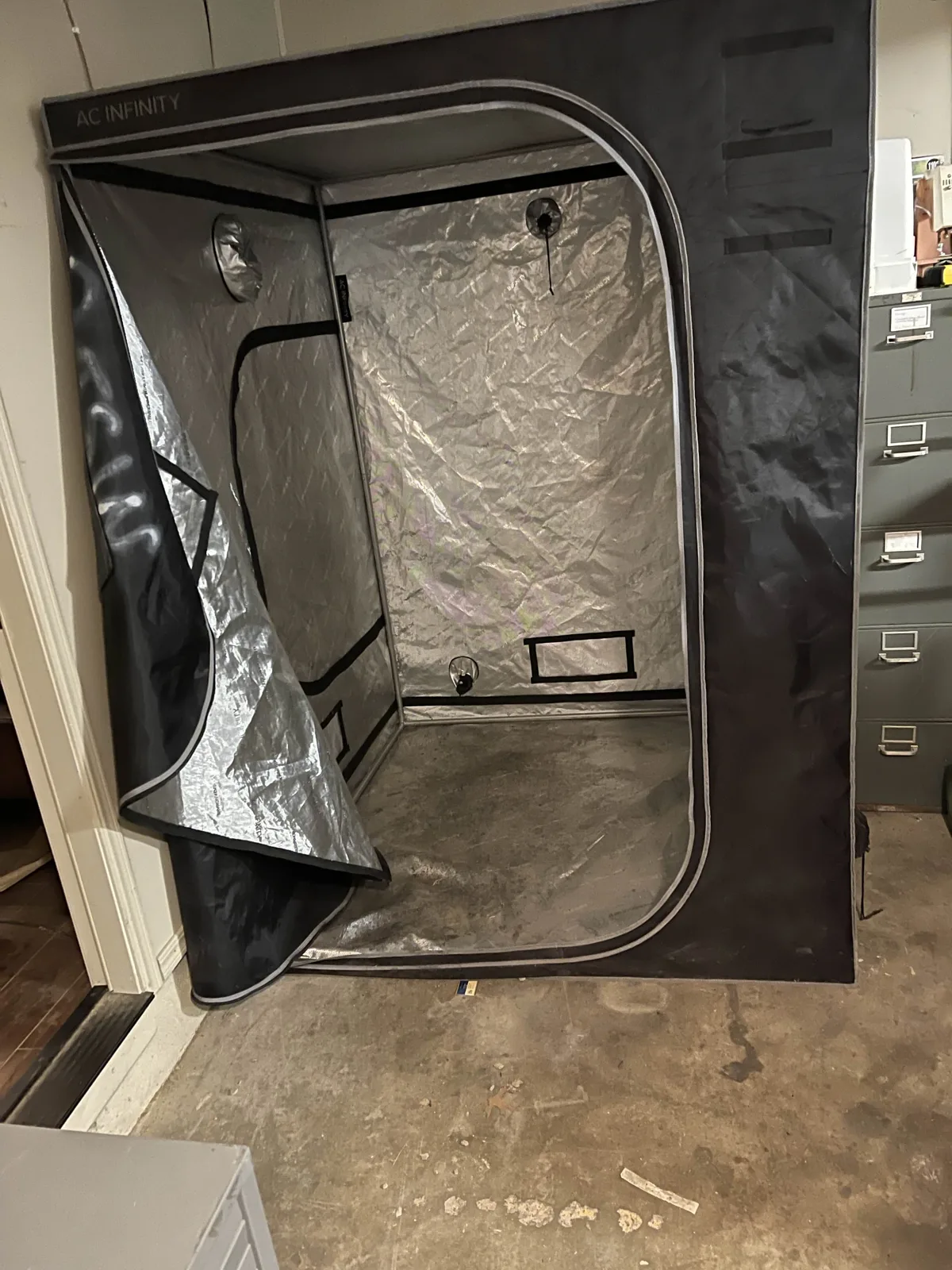
First things inside the tent
The tent isn't empty anymore. The light is an old fish tank light, not a UV light. It has no power switch of its own, so I added an external switch with a red rocker on its black cord and zip-tied it to the tent frame near the door. That lets me turn the light on and off from the door without touching the surge protector. Extension cords are coiled and hung on the wall nearby, and a black folding table is set up inside. The table is a temporary measure so I can get up and running sooner rather than later; the standing desk is still the plan for the main work surface.
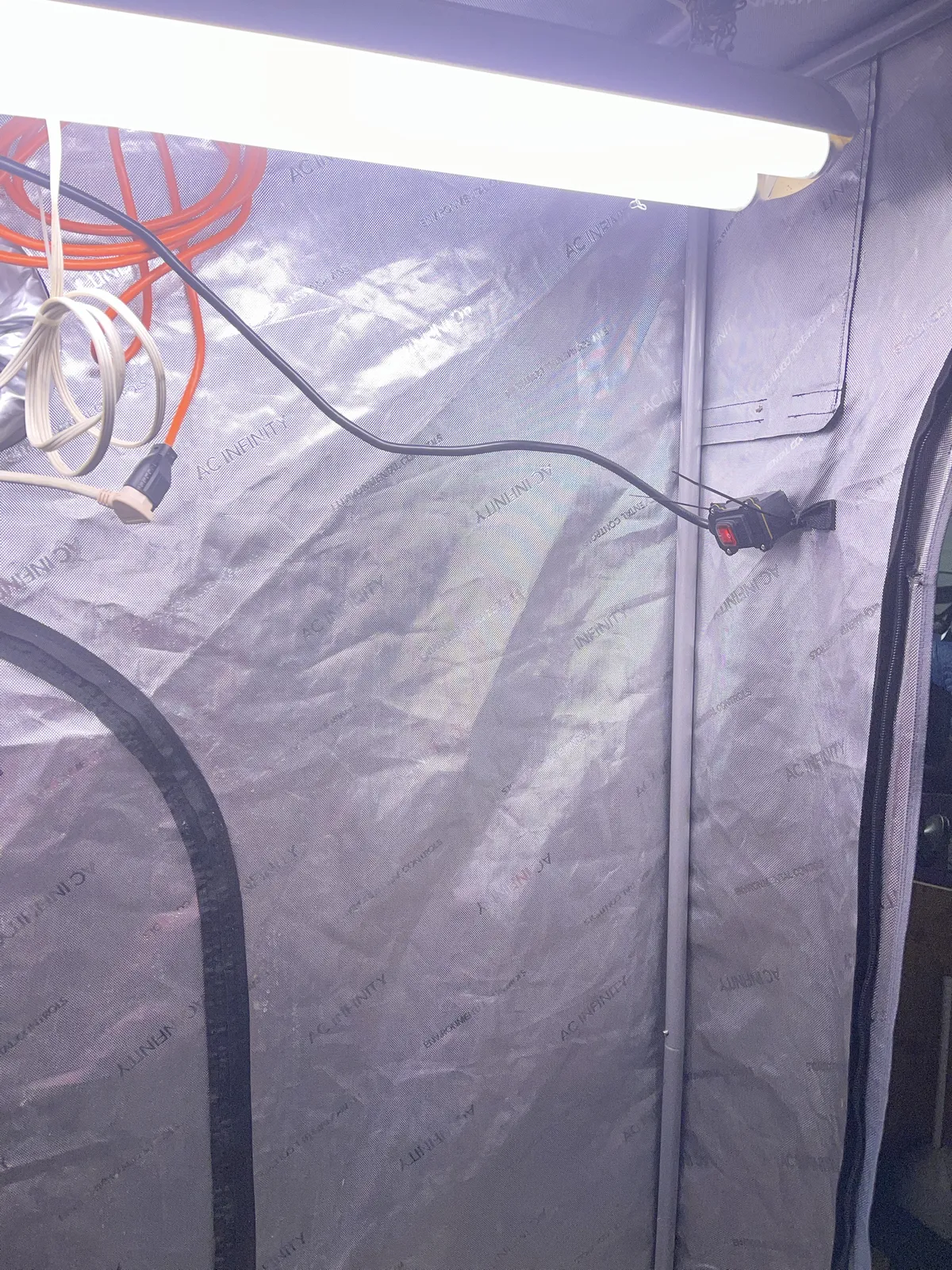
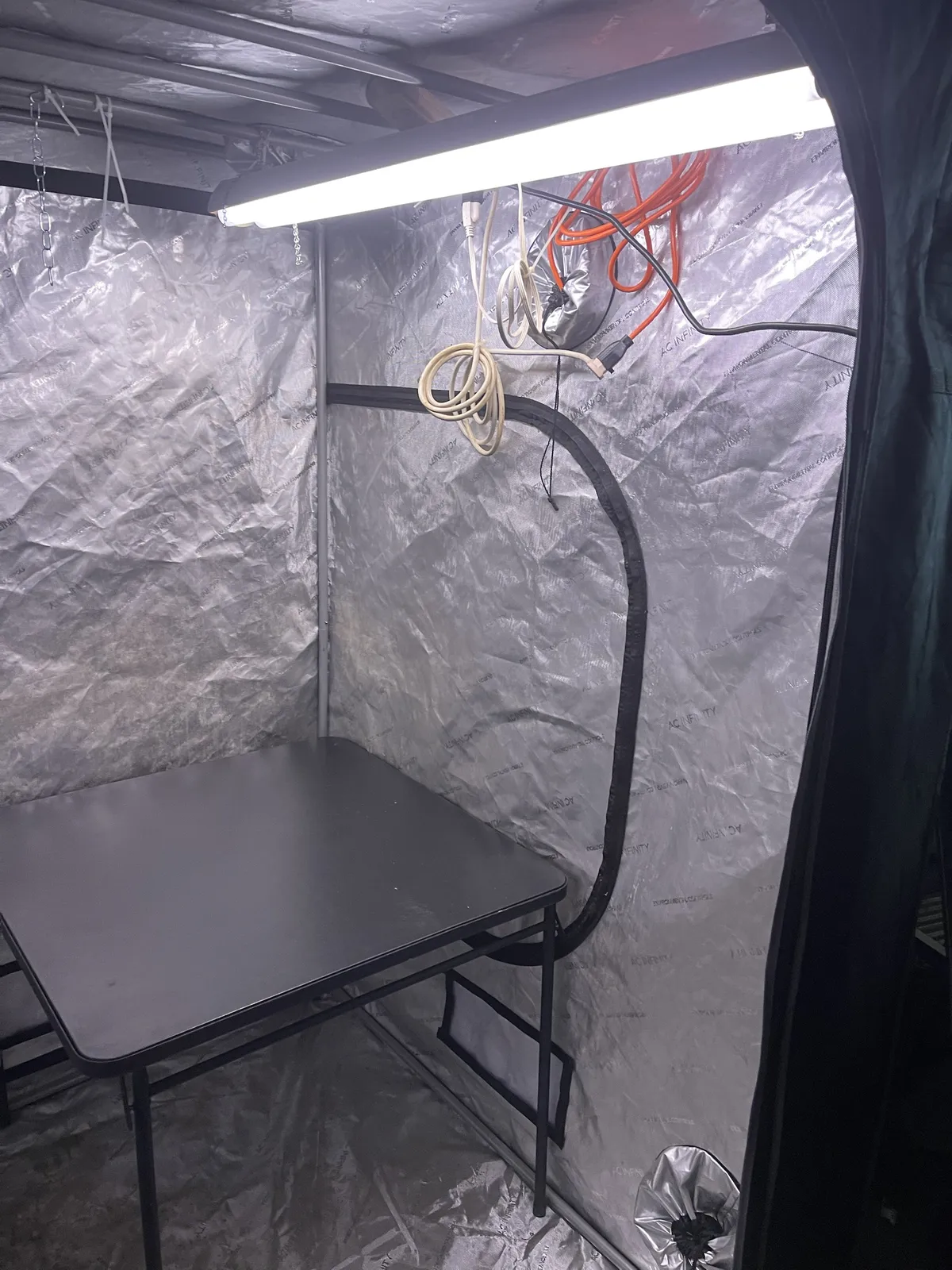
Nothing in these photos has been tested for resin work. At the time, there was still no exhaust, wash station, or printer in here. My plan then was to build the exhaust before using resin.
One note on the cords: I coiled and hung them on the wall to keep them off the floor. The orange one is a 25 ft Harbor Freight cord, 16 gauge, and it's the only cord whose gauge I know for sure. The other cord is the one on the light, which gets replaced when the light does. Coiled cords hold heat, so I'll uncoil them before anything that draws real power runs through them.
Supplies that arrived. I bought four more items for the workspace, and they've been delivered:
- Inline extension cord switch: the red rocker I first added to the old fish-tank light because it had no switch, then reused with the Braun LED.
- 2-pack of 45 oz pickle jars: for dirty wash storage, an idea I picked up from a YouTube video.
- 36.2" × 24" extra large silicone mat
- SUNLU 1000G ABS-Like Resin: unopened, in its bottle, stored inside the house for now.
I haven't tested any of them in this workspace yet, so this is a record of what I bought, not a recommendation. The resin needed a safety data sheet before anything gets poured, so I pulled it.
I also bought Hardy 9 mil nitrile gloves. I haven't found compatibility data for them against this resin and IPA, so I don't want to assume they're the right choice just because they're nitrile. That's something I still need to settle before I use them for resin work.
Next step: plastic on the floor and the table. This is where the two layers of plastic from the floor-protection plan go in, along with a covering for the folding table. To keep the plastic from shifting, I plan to print two clip designs from Printables: the 22mm grow tent clip collection and a tablecloth clip. I haven't printed or tested either one yet, so I don't know how well they'll hold.
Plastic down, the missing Saturn parts, and a new light
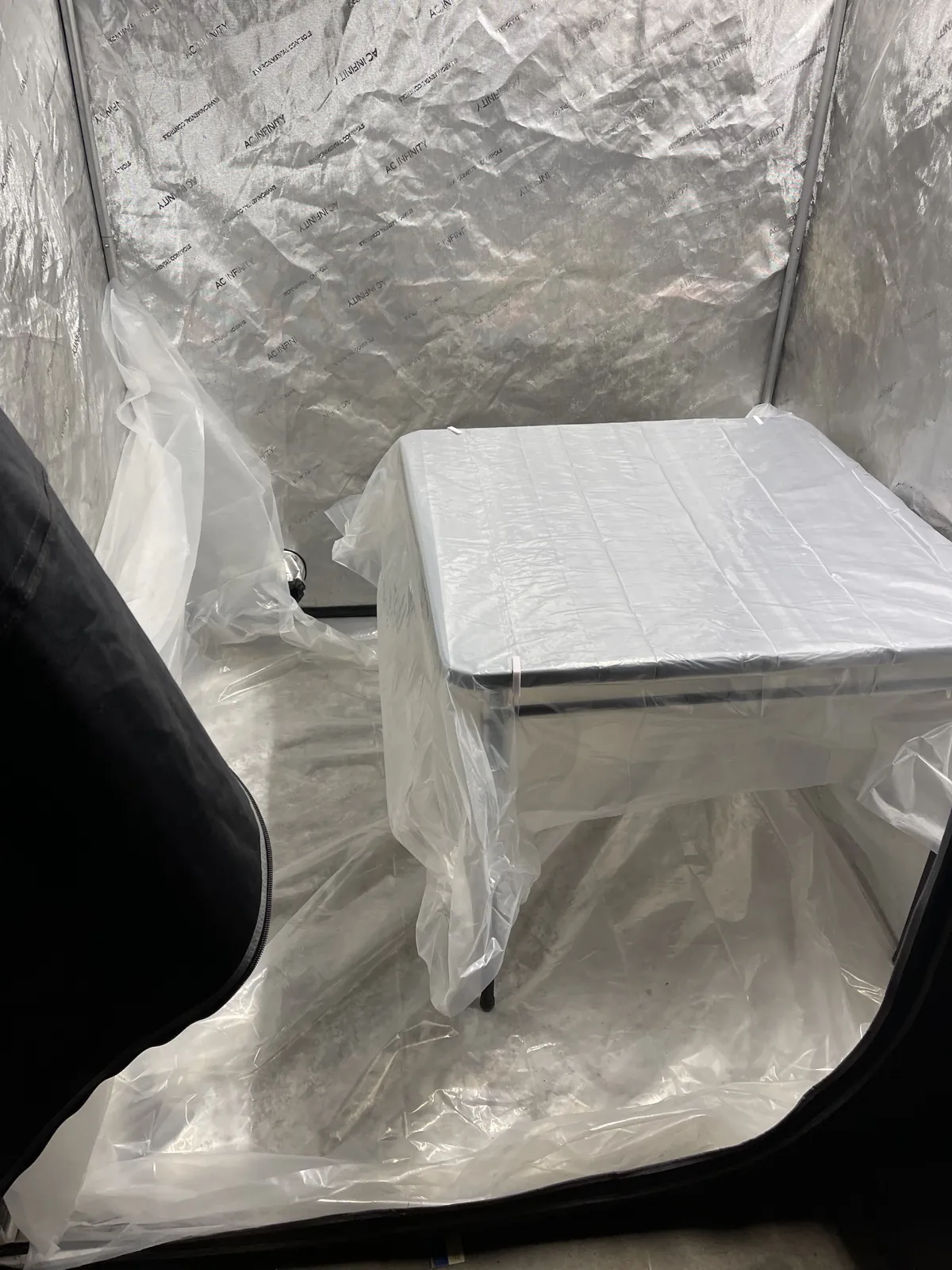
The folding table and the tent floor now have plastic on them, and the Elegoo Saturn is sitting on the plastic-covered table. White clips hold the plastic at the table's edge. The floor liner is in, but I'm not happy with how it's sitting, so I'm printing more clips to tidy it up. I haven't tested how well any of them hold yet.
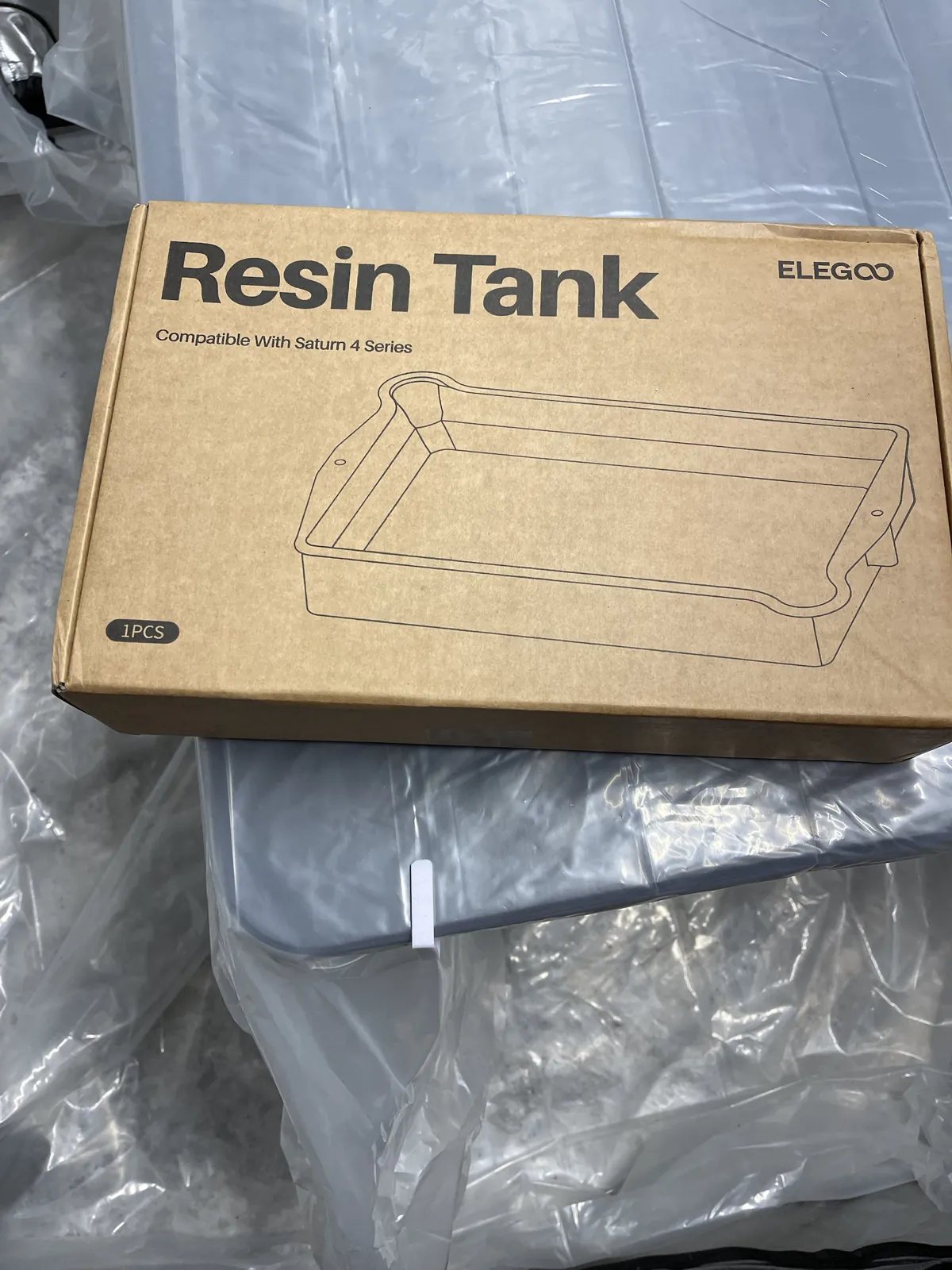
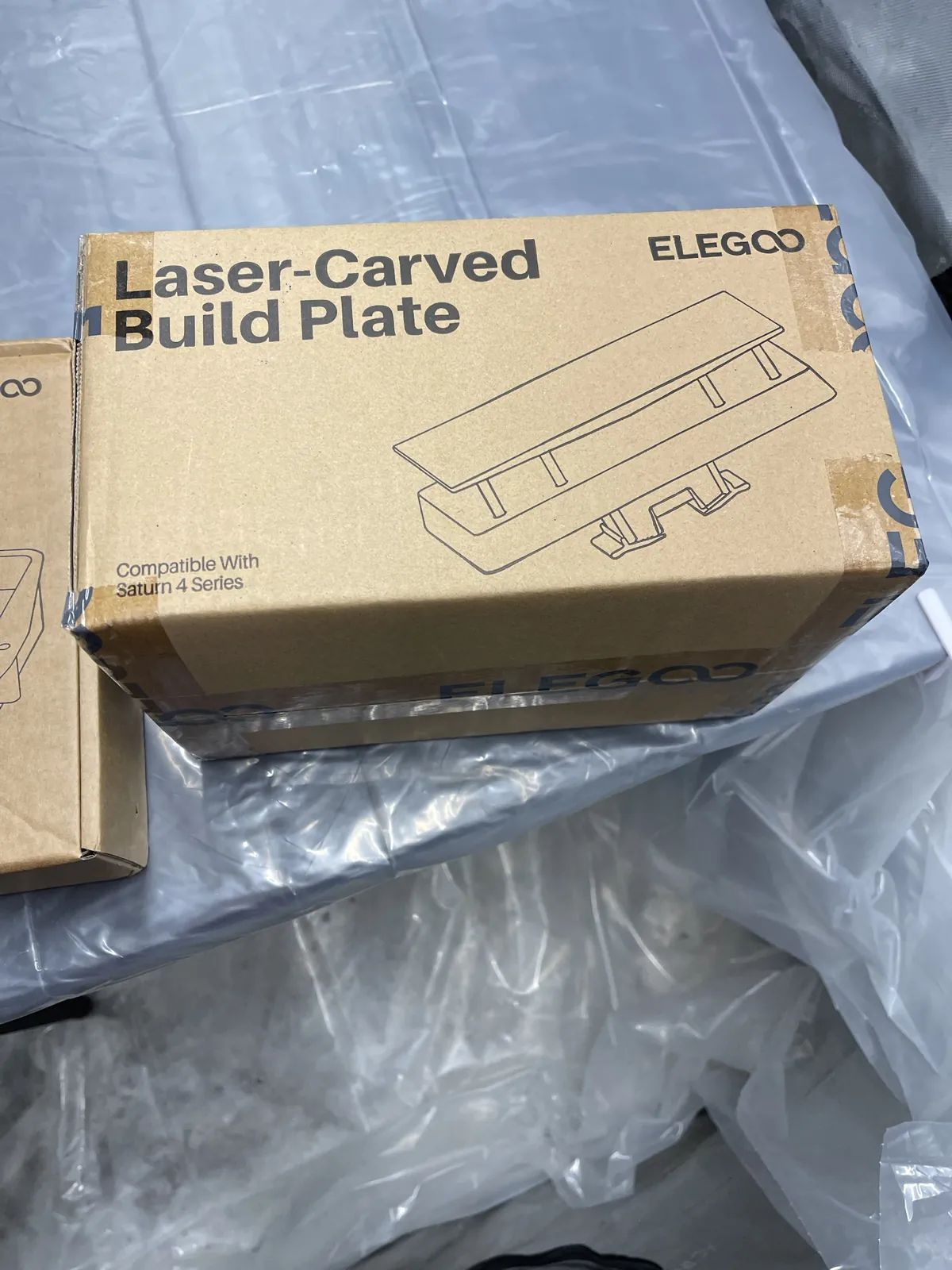
The two Elegoo boxes held the parts I was missing for the Saturn 4 Ultra: a resin tank (vat) and a laser-carved build plate. I photographed the boxes first, then put the parts on the printer.
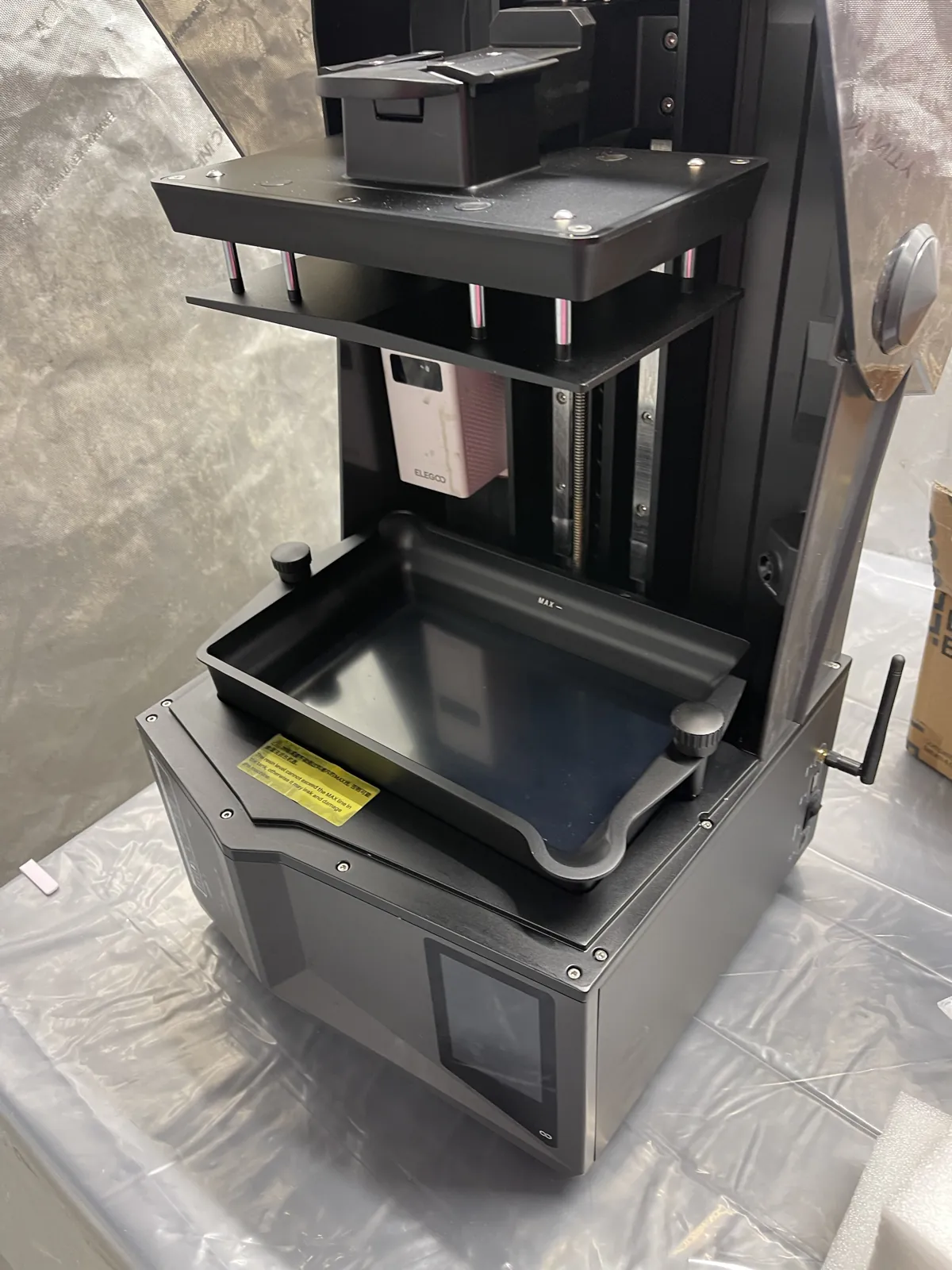
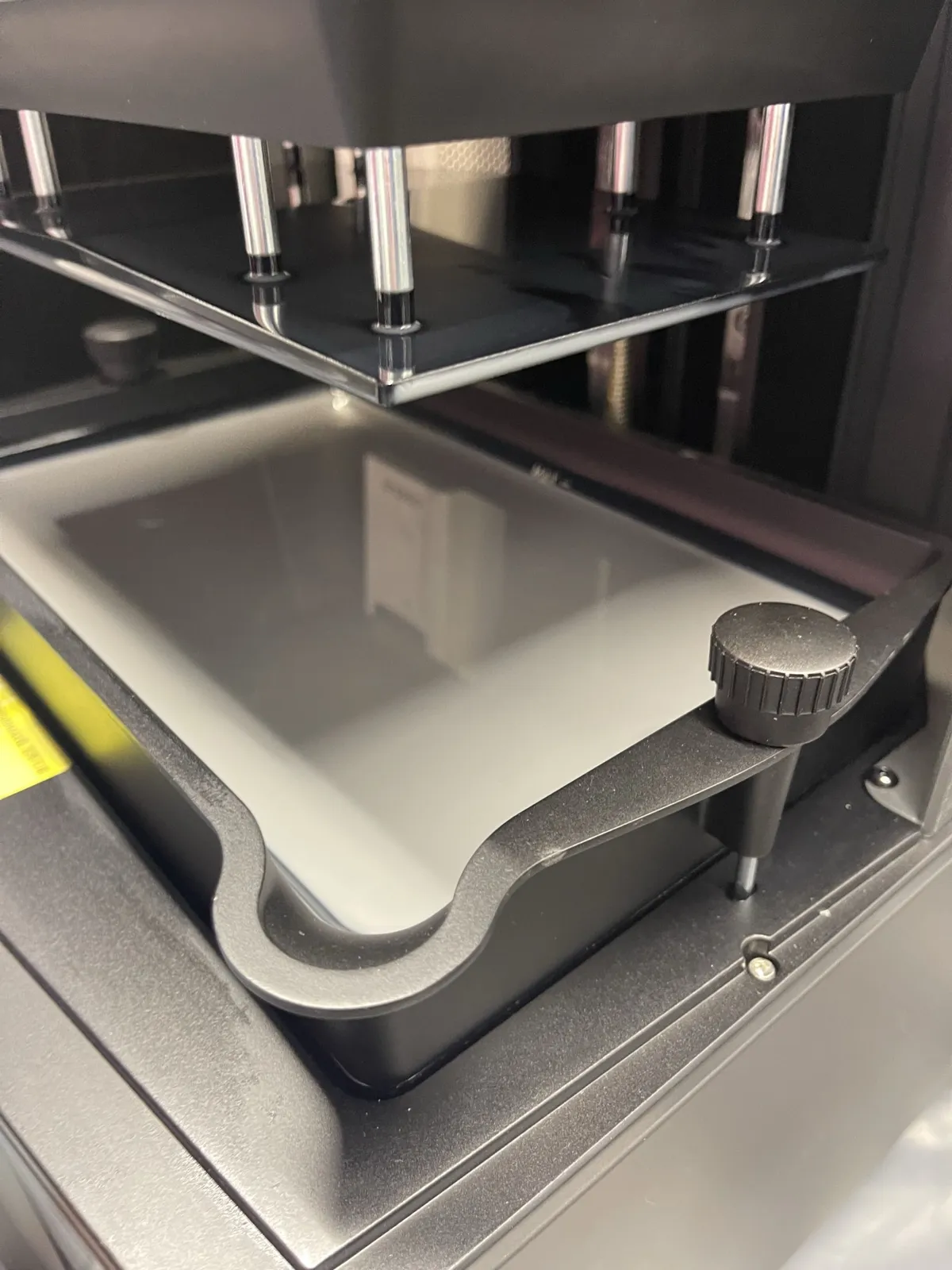
The next photo shows those parts in place: the empty vat is installed, and the build plate is raised above it. The Wi-Fi antenna is attached, and I got Wi-Fi set up on the Saturn on October 11. There's no resin in the vat, and I still haven't worked through the remaining setup checks, so the printer isn't ready to print yet.
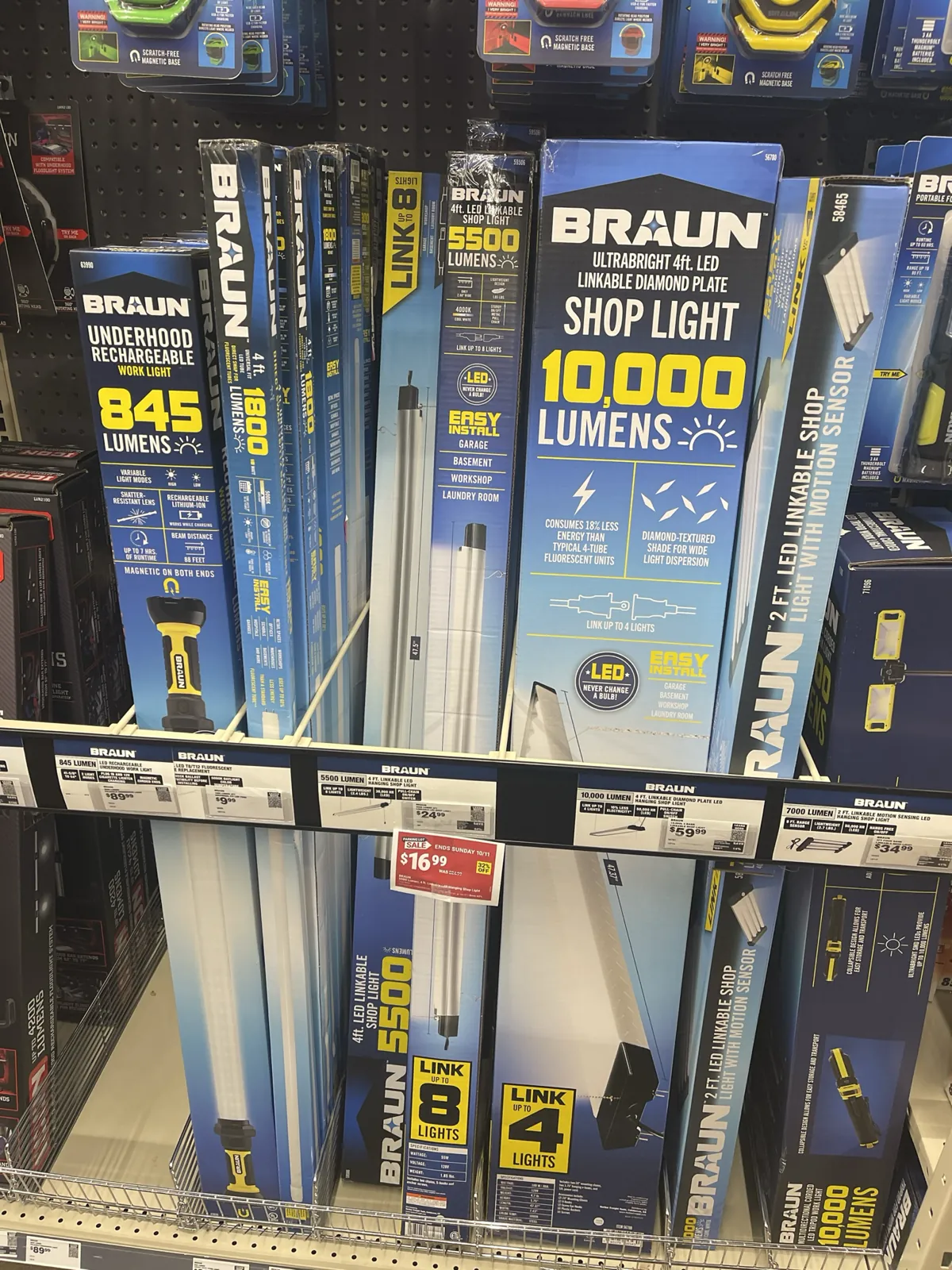
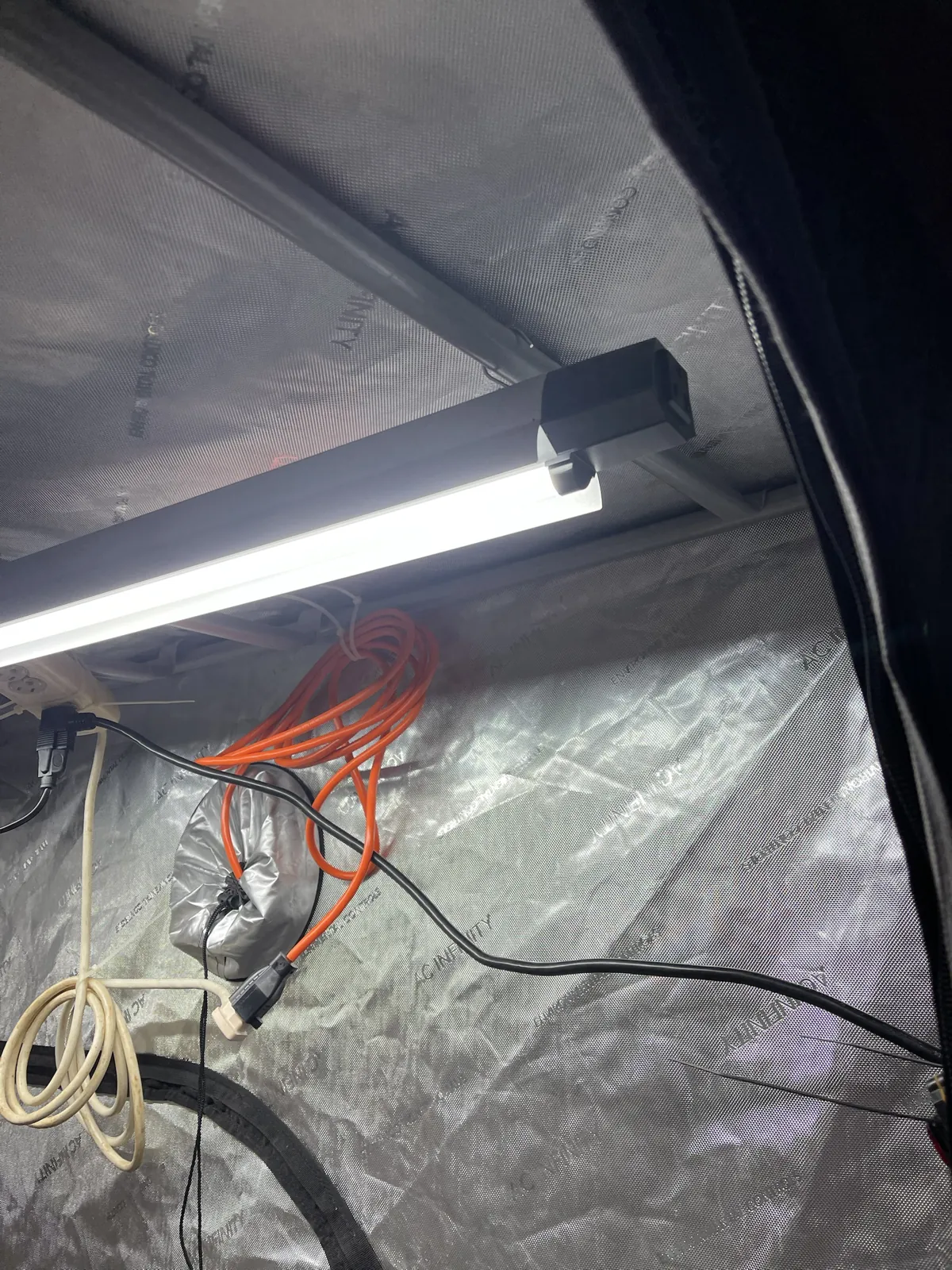
I picked the Braun 5500 lumen, 4 ft linkable LED hanging shop light, Harbor Freight item 59506. The shelf photo shows the light I chose. Its listing gives 55 W at 120 V, an on/off metal pull chain, and two chains with S-hooks; the box says 4000K cool white. Those are the manufacturer's numbers, not anything I've measured, It's an LED shop light, so it shouldn't put out meaningful UV; I haven't measured it.
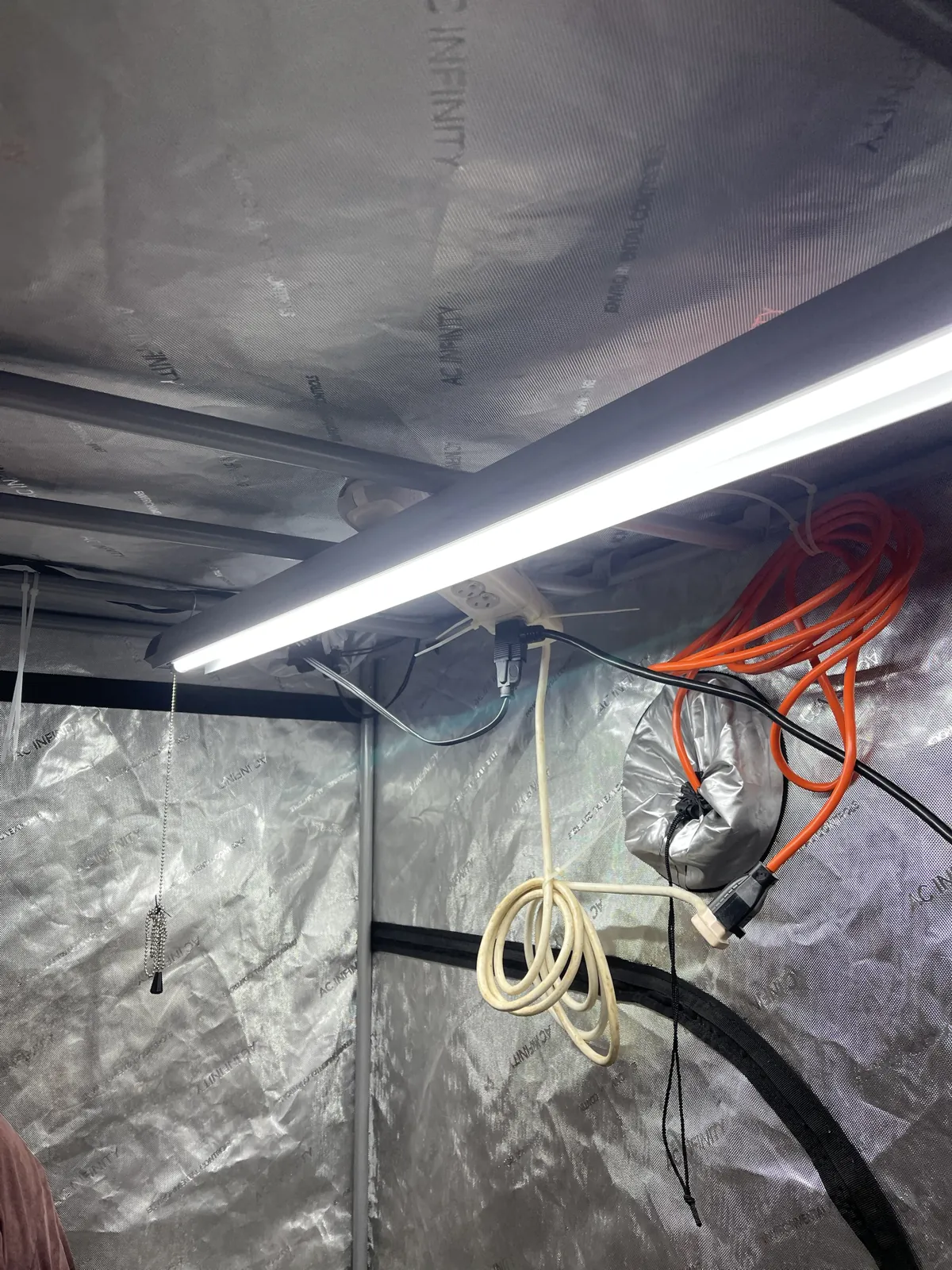
After I hung the light, I reused the inline rocker switch from the old fish-tank light on the Braun's black cord. The switch is by the tent door, so I can turn the light on there instead of reaching around to find its pull chain. The orange cord is the tent's primary power feed. The white cord looped below is excess length from the surge protector's cord, which is zip-tied nearby.
Planning the first print
Do as I say, not as I do. I'd tell someone else to wait until the exhaust is ready. Building it properly is going to take time and money, though, and I have new machines and want to play with them, so I'm planning a few prints before it's ready. I'll keep the printer lid on while it prints, crack the garage door, and stay out of the space while it's running. I'll need to open IPA to wash the prints afterward, so this plan still involves IPA in the garage without the finished exhaust. This doesn't replace the exhaust or prove the setup is safe. It's how I'm choosing to proceed while I work out the proper system, not a safe setup or instructions to copy. I'll update this log with what happens.
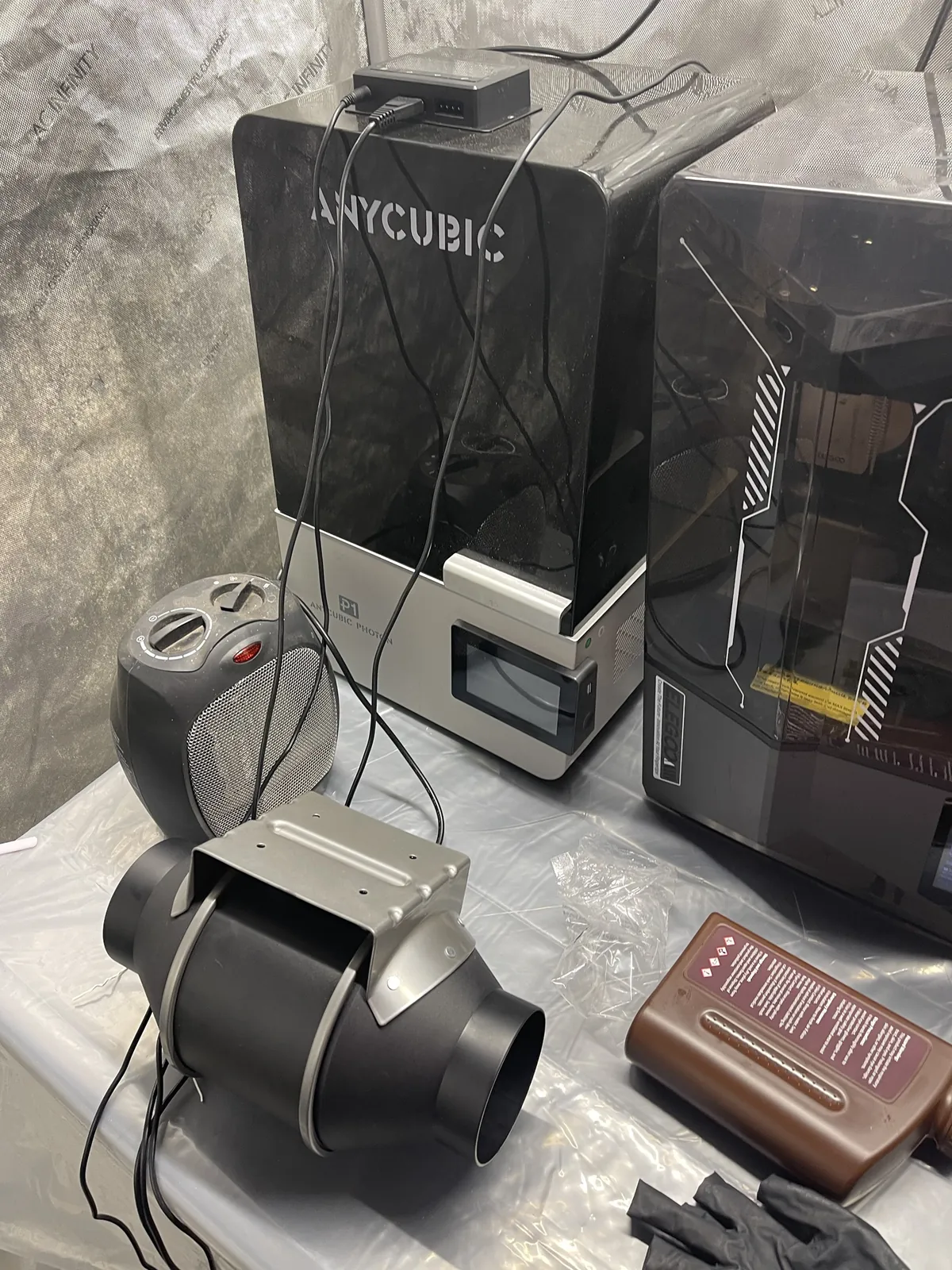
Tonight I took photos of where things stand. Both resin machines are in the tent now: the Anycubic Photon P1 (its base is labeled P1 Photon) at left and the Saturn 4 Ultra at right, side by side on the plastic-covered table. The Saturn's hood is open and the empty vat is in place. I haven't printed on either one.
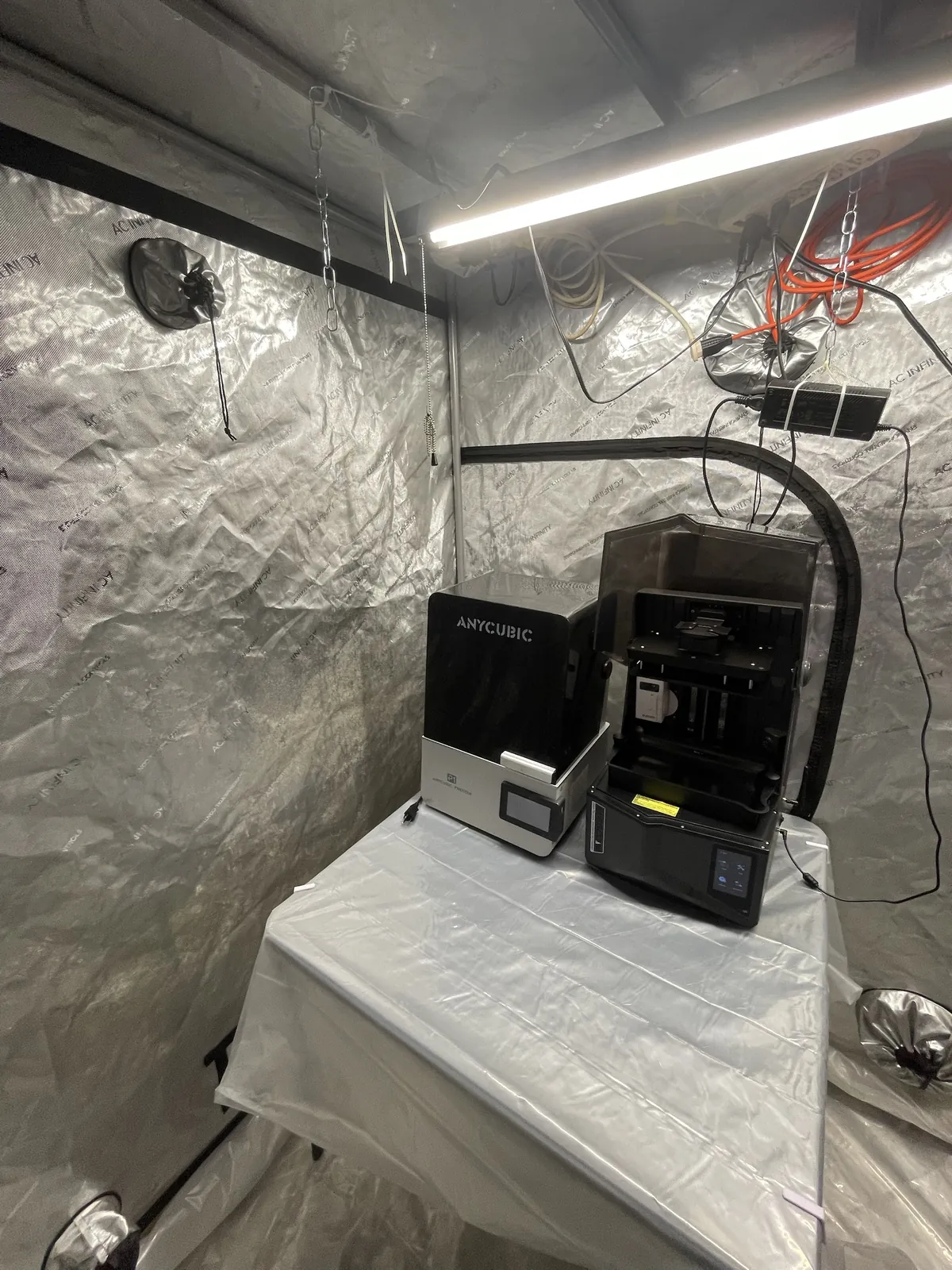
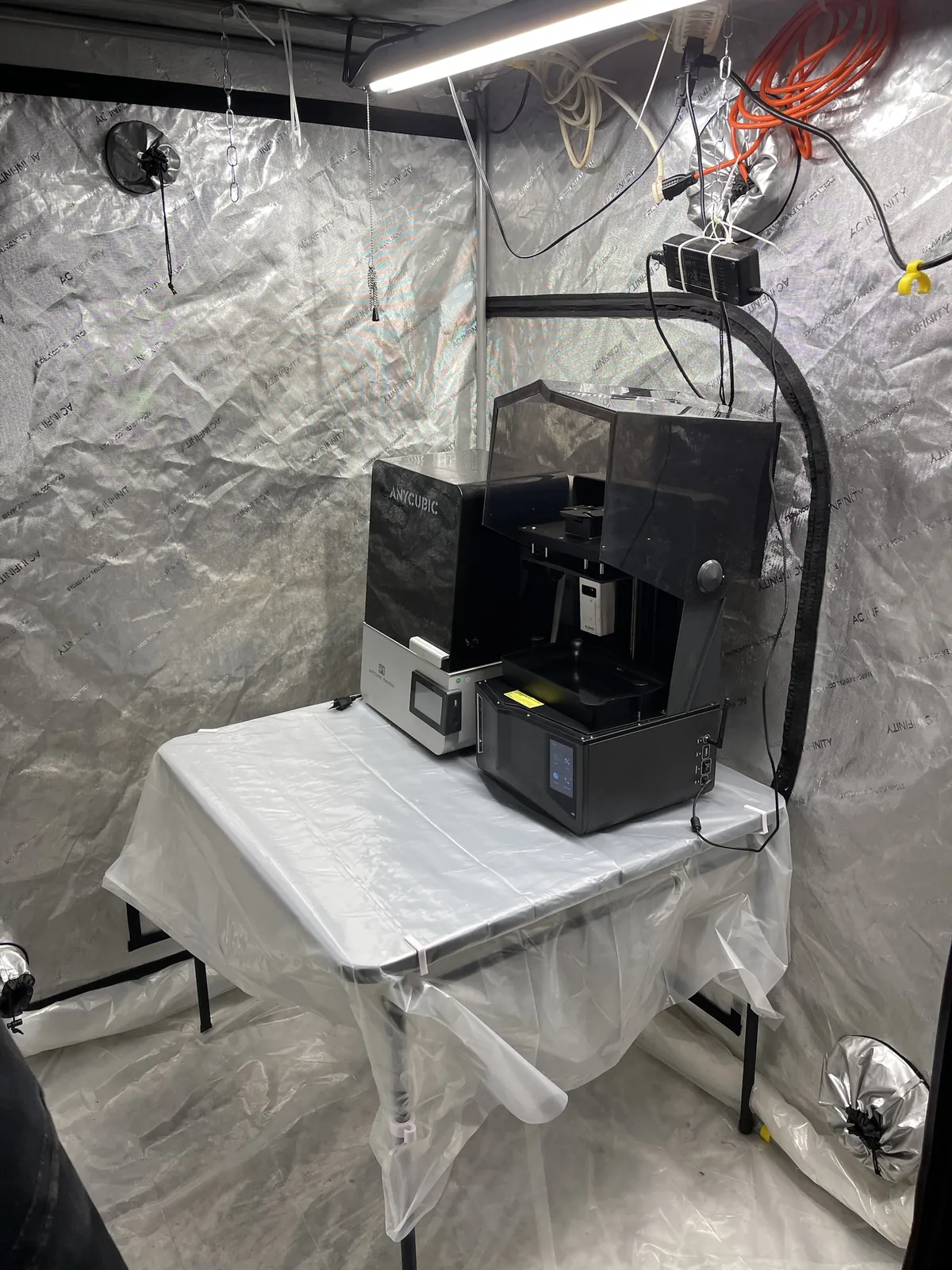
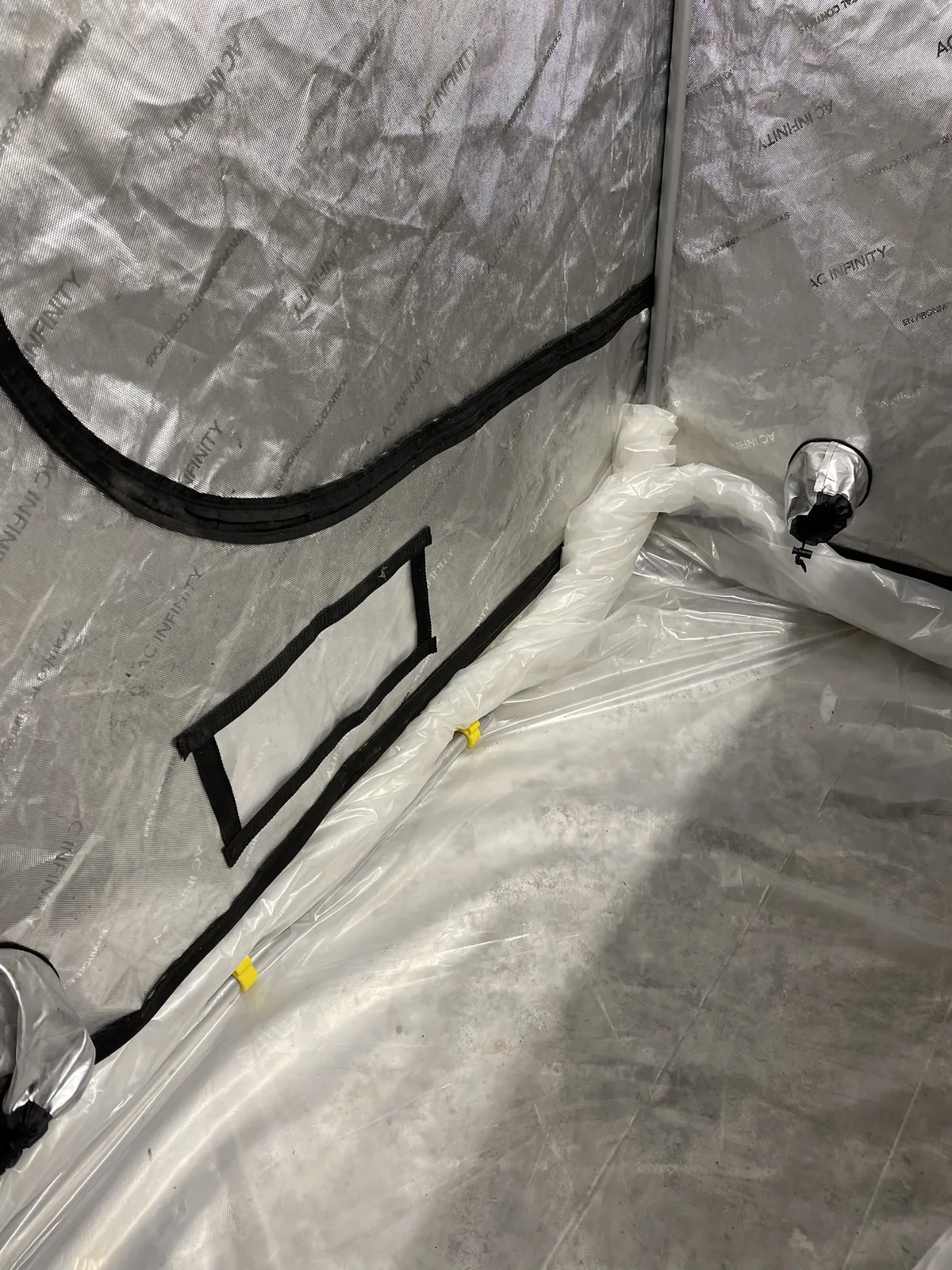
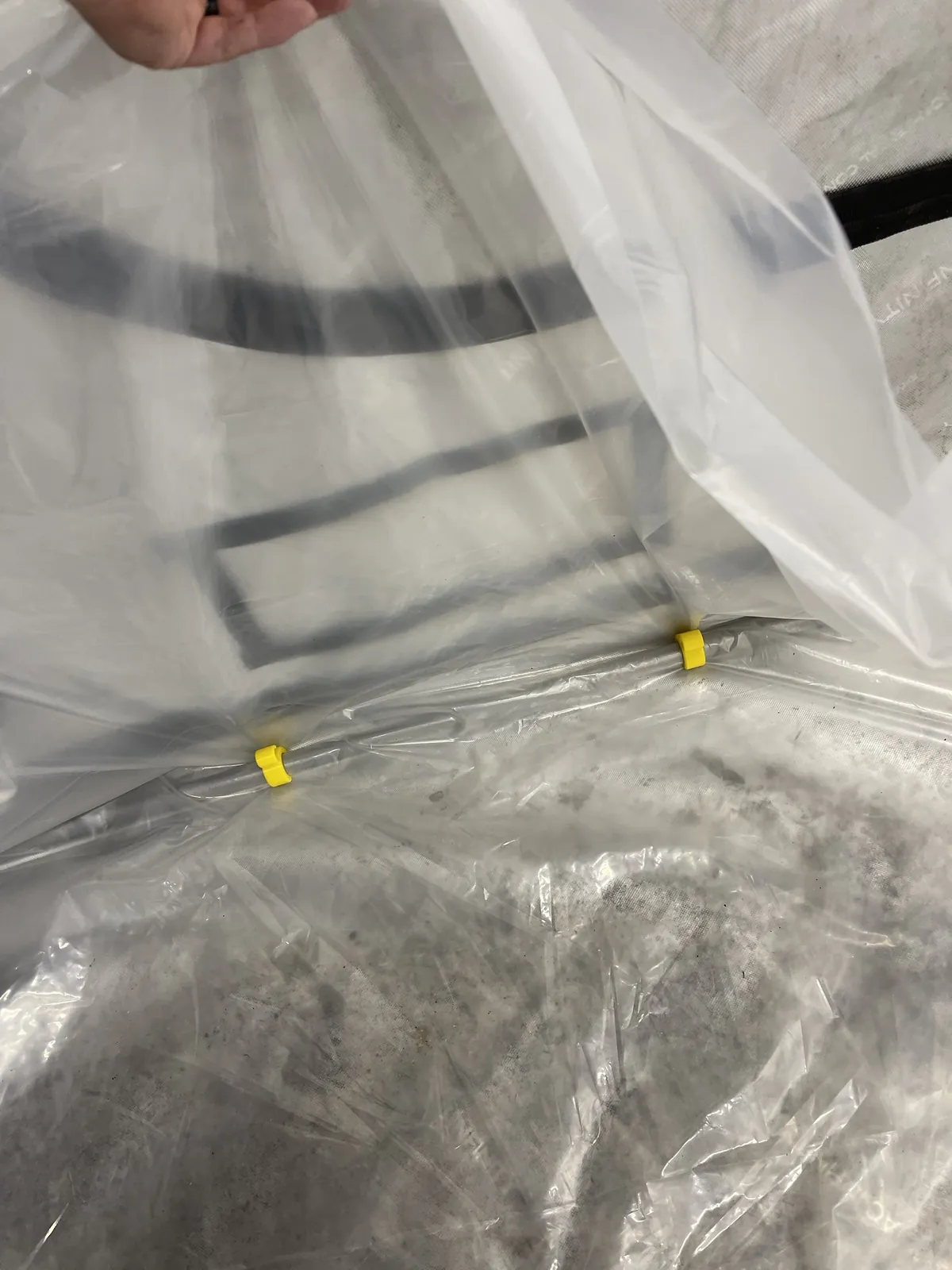
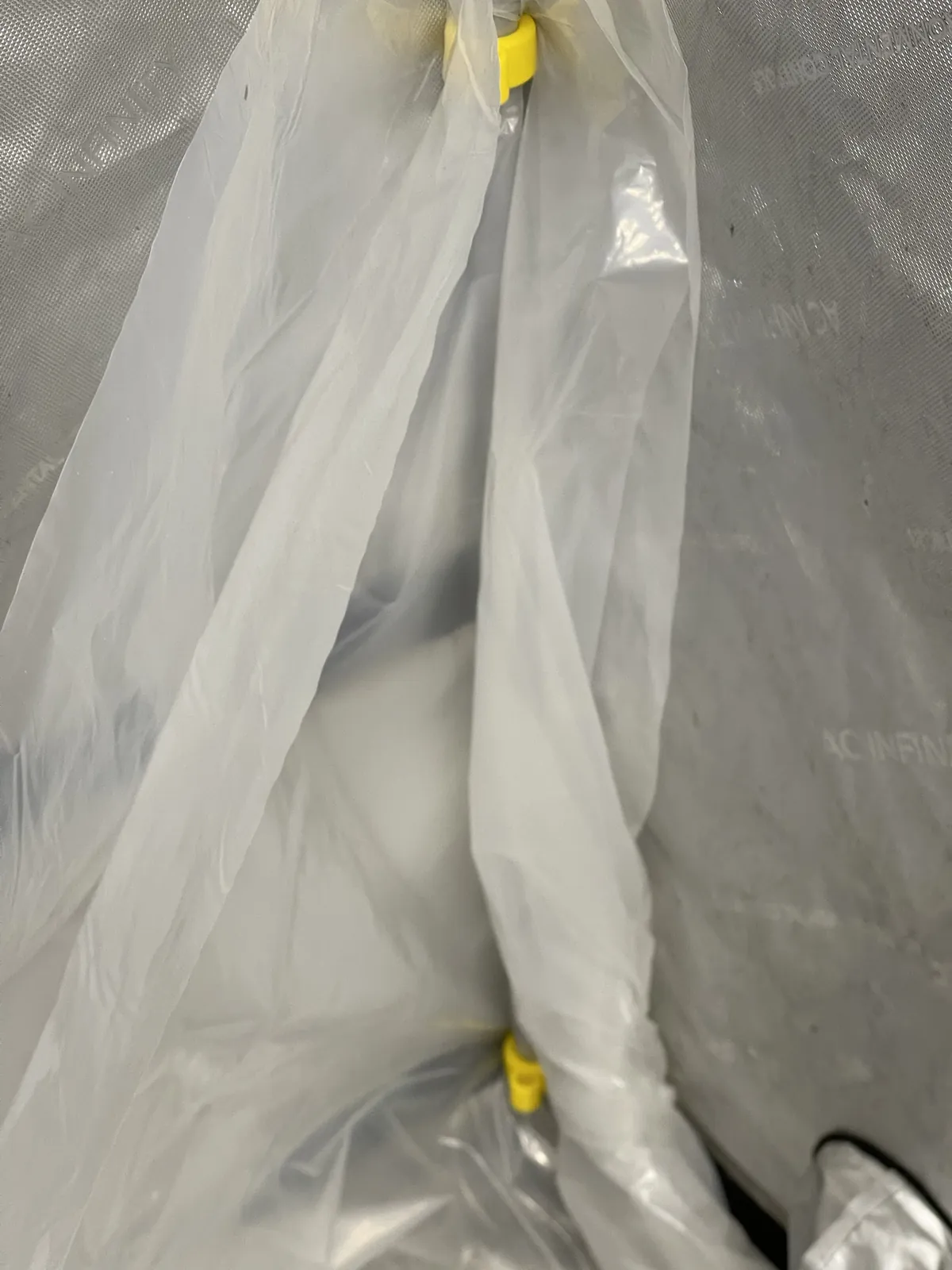
The floor liner is done for now. The yellow clips are the 22mm grow tent clips I printed from the Printables collection. They sit along the lower tent frame and hold the plastic up against the wall at the corner. I haven't tested how well they hold.
The exhaust fan
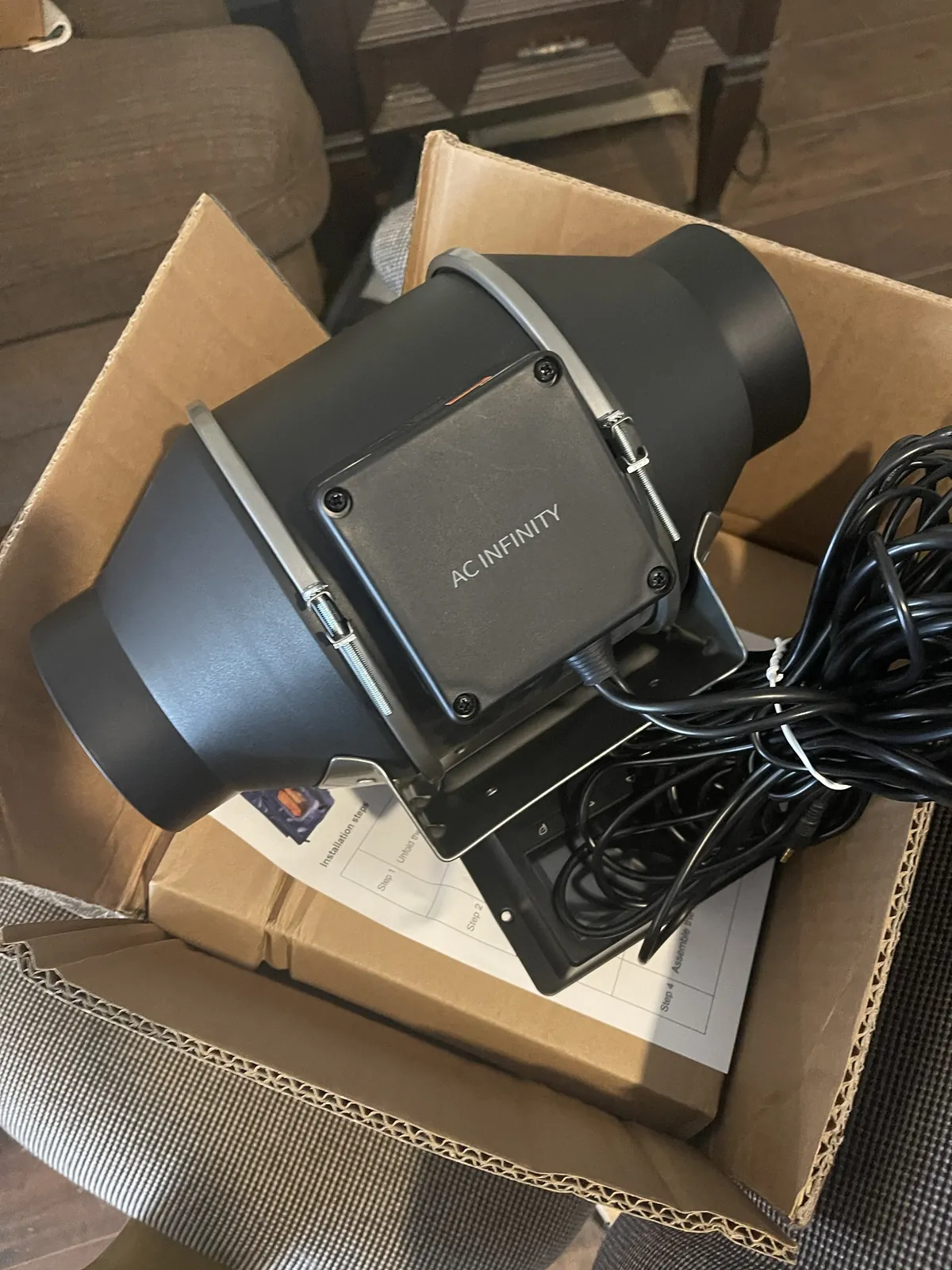
I scored the exhaust fan on Facebook Marketplace today: an AC Infinity CLOUDLINE T4, the 4-inch model with a temperature and humidity controller. The label on the fan reads AI-CLT4. It isn't ducted to anything yet, so it isn't an exhaust. The duct run into the attic crawl space and out through a new roof opening is still ahead, and everything I said above about printing before the exhaust is ready still applies.
The exposure test
Before the calibration print below, I ran an exposure test on the Saturn: a set of small Cones of Calibration test pieces, one at each exposure setting from 2 to 4 in steps of 0.4. I laid them out on a shop towel next to their labels.
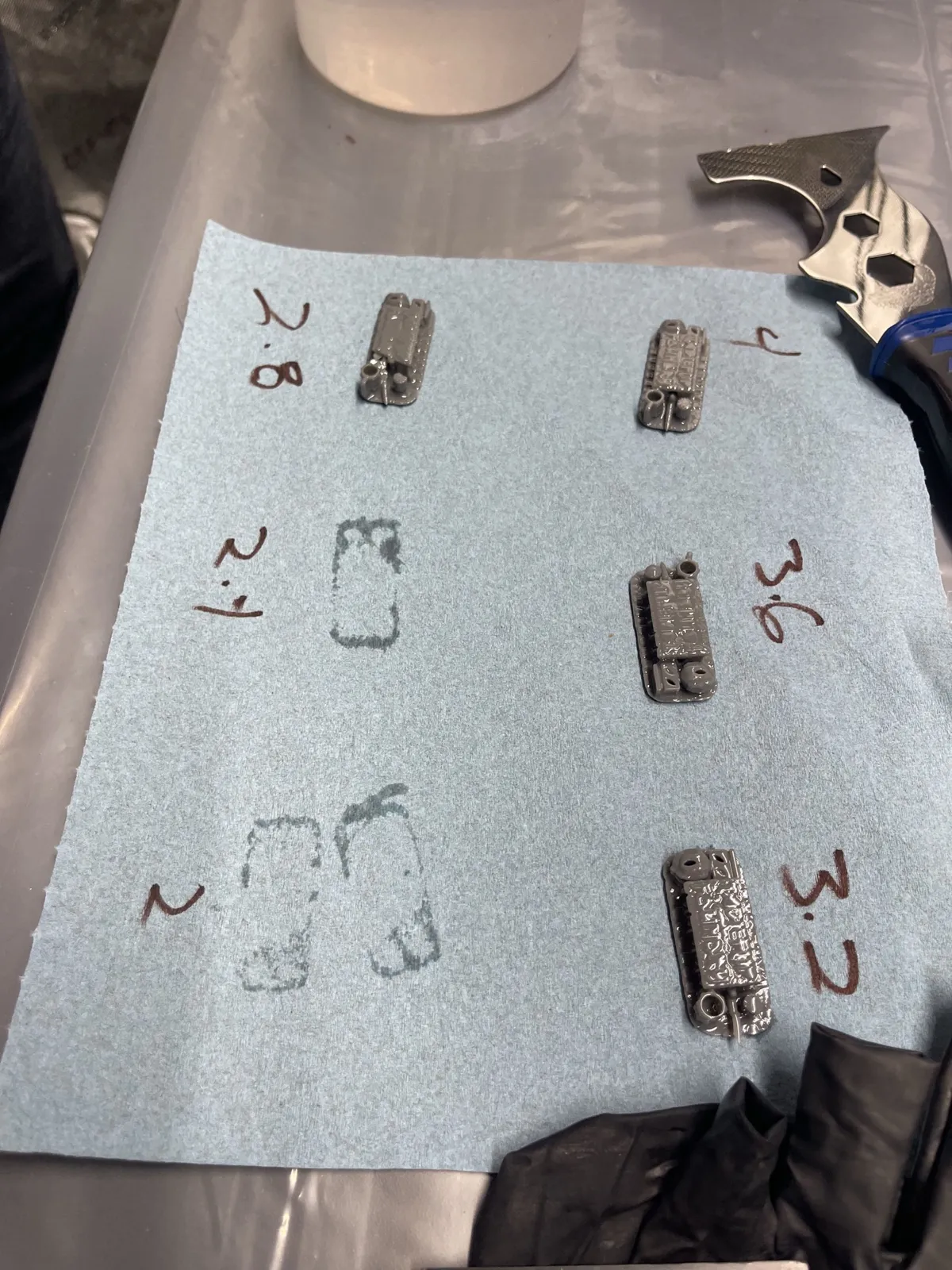
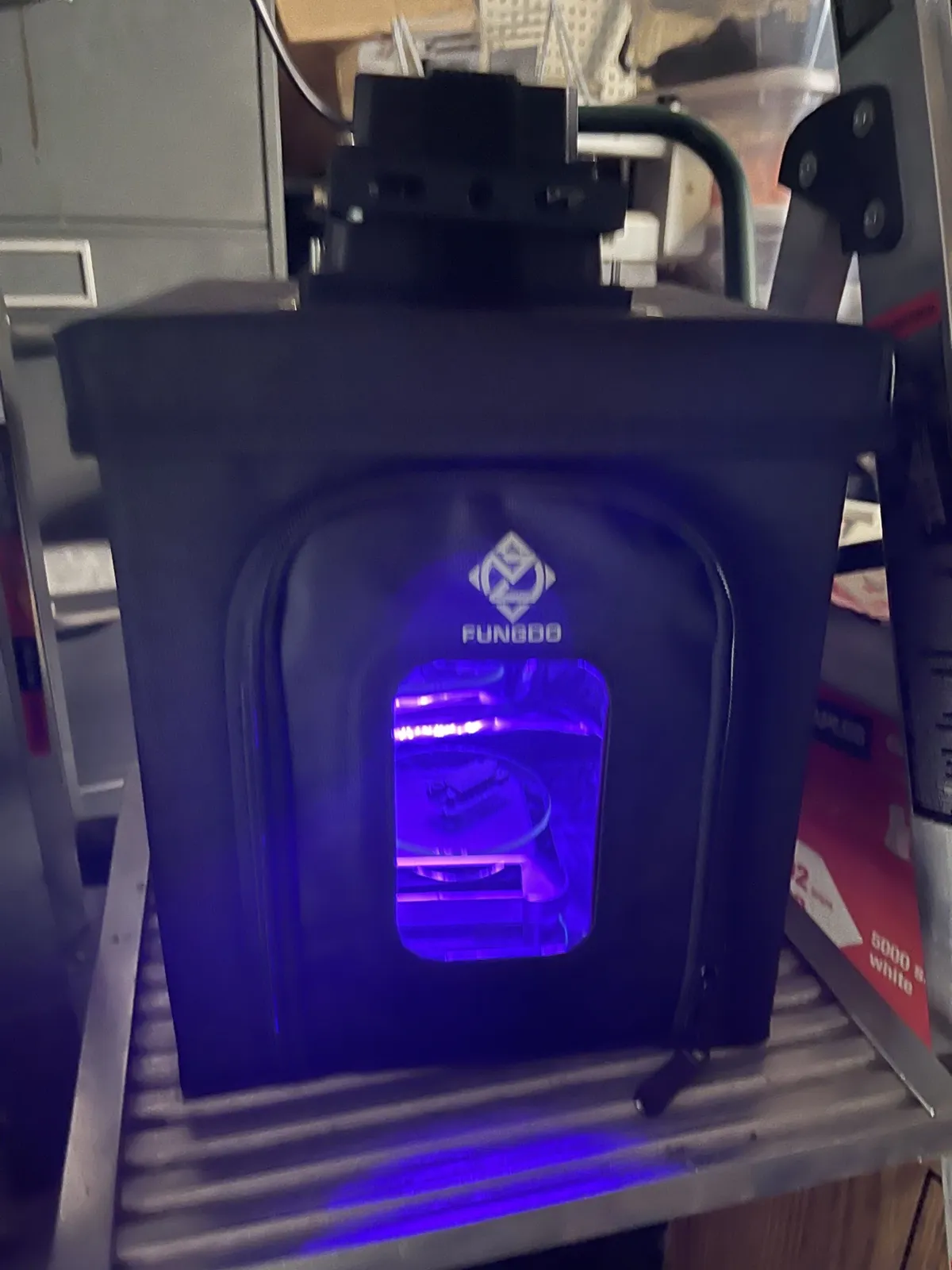
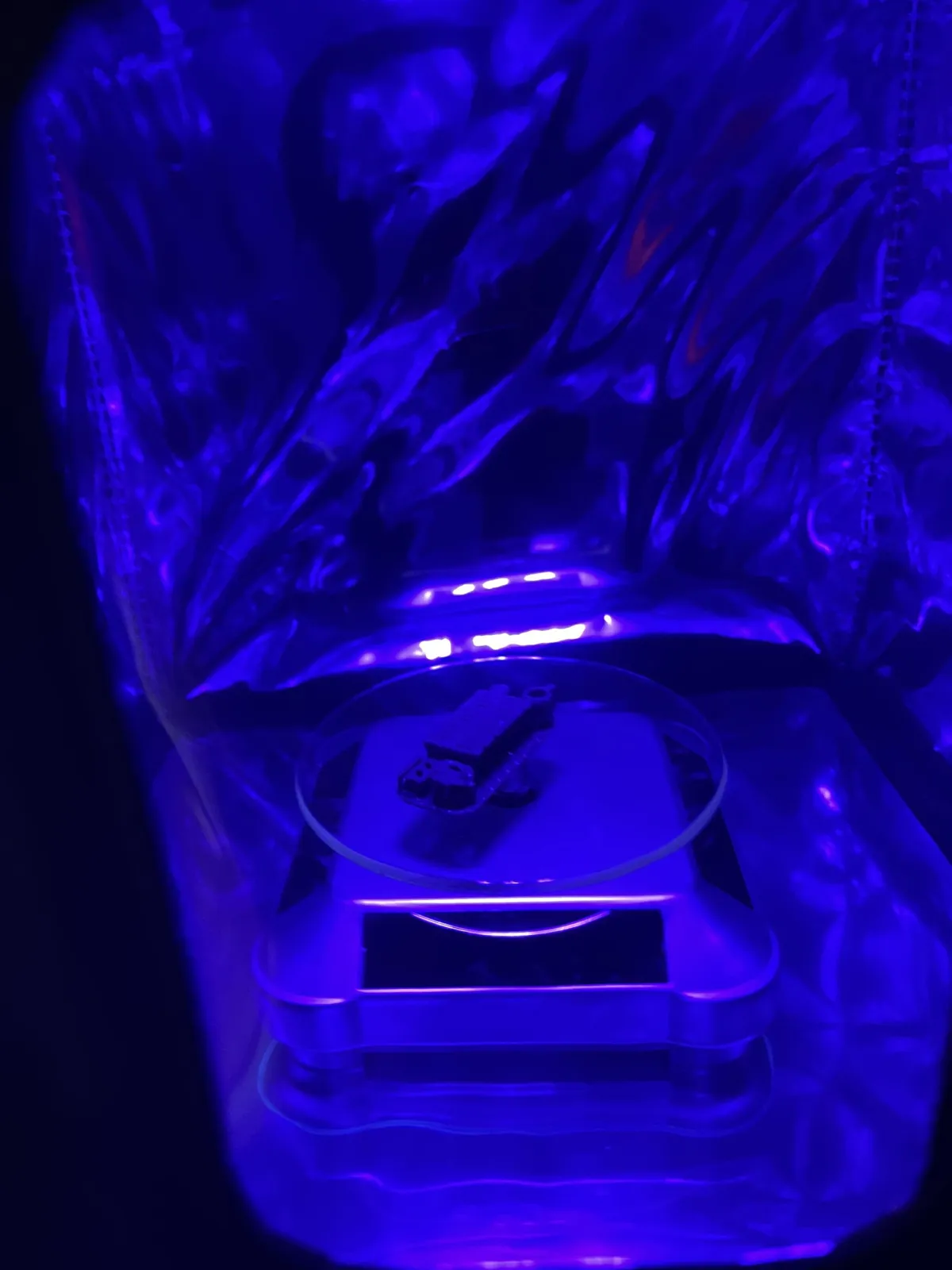
I cured the pieces one at a time in a Fungdo resin curing enclosure, a small fabric box with a UV light and a turntable inside. When I took the towel photo, the 2 and 2.4 pieces had already gone to the enclosure; the marks on the towel are just where they sat.
My favorite part is the turntable. It's solar powered, so it starts spinning on its own when the UV light comes on and stops when the light goes off. I think that's super cool.
A successful calibration print
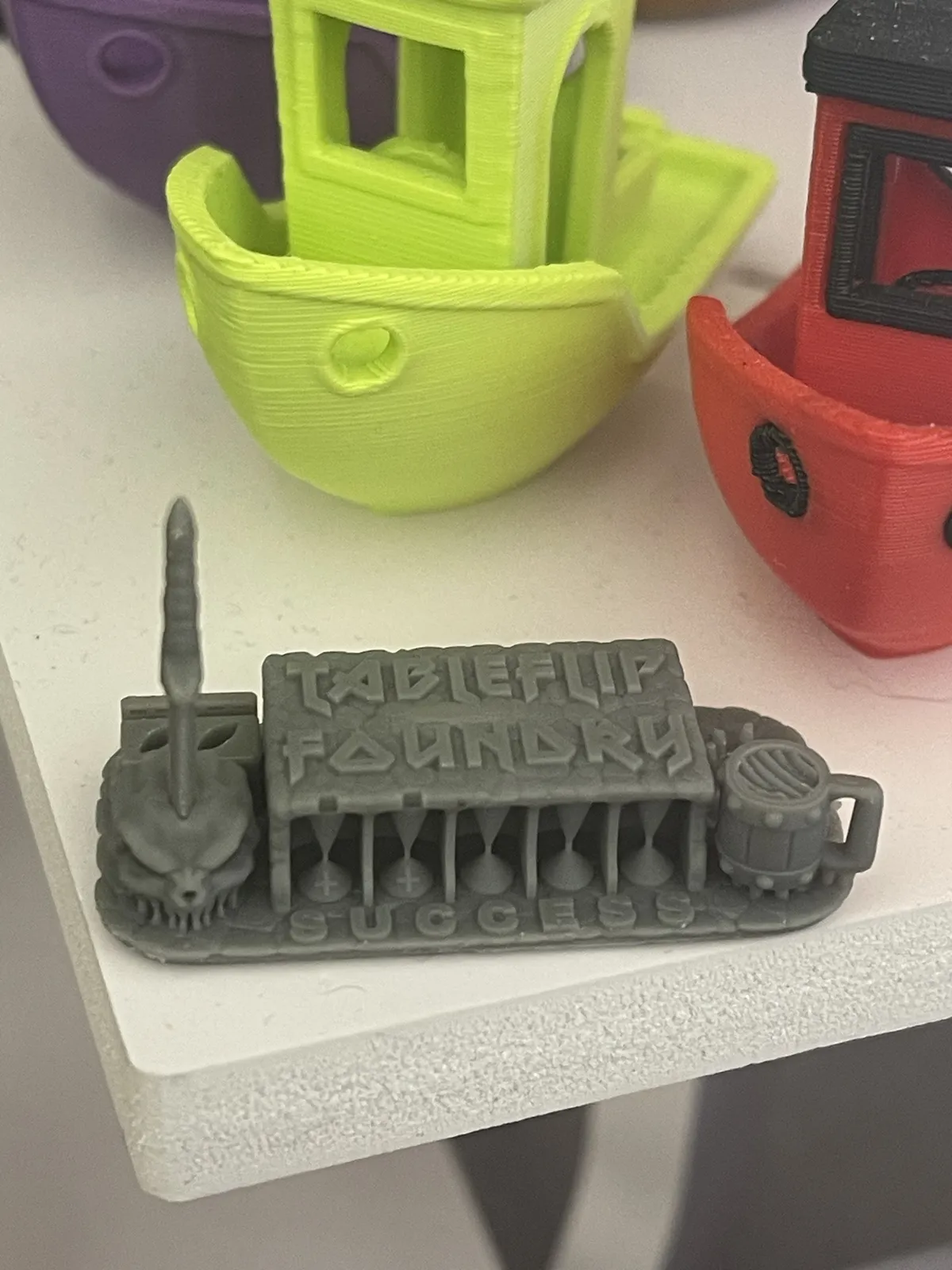
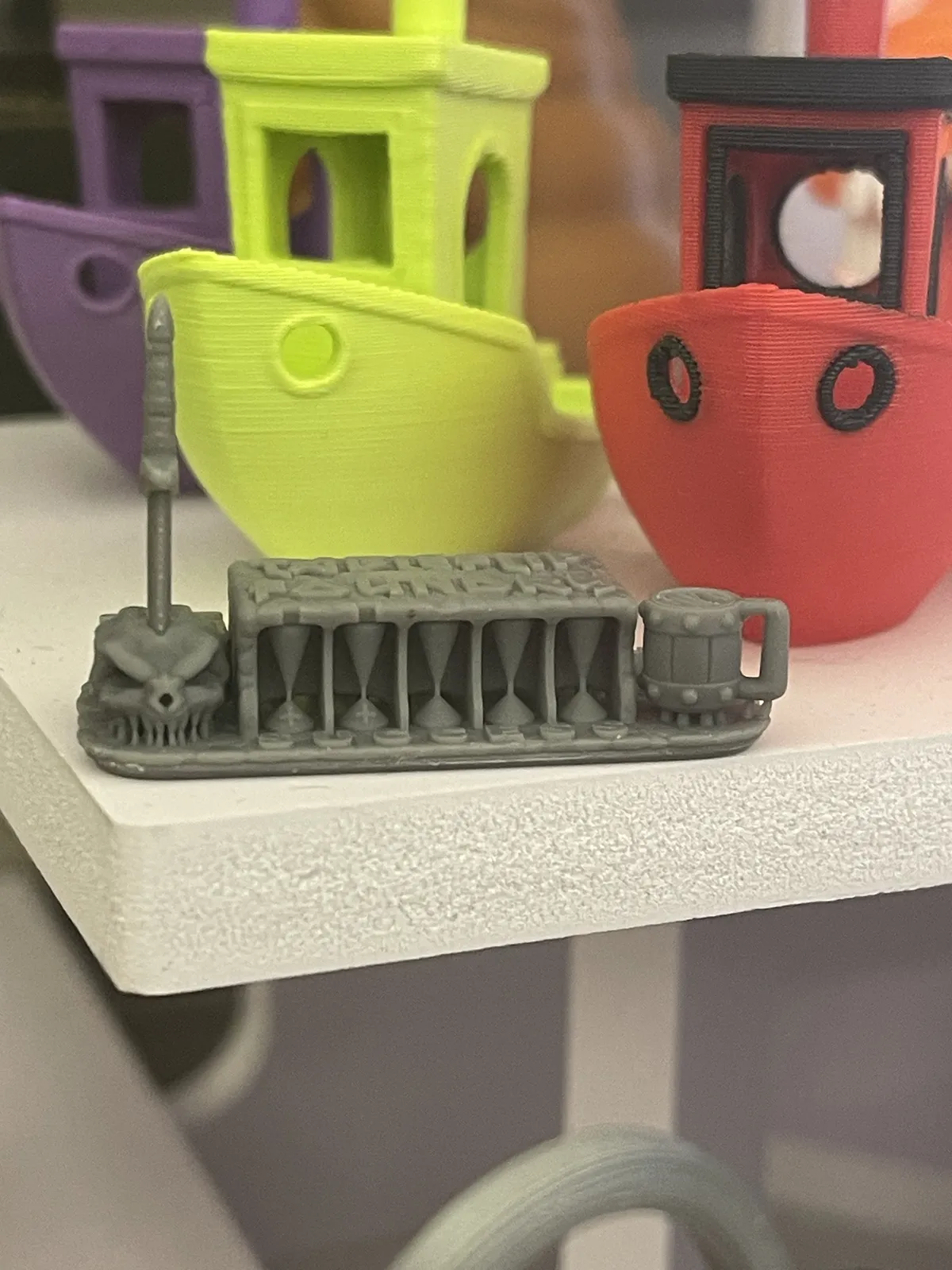
The resin calibration prints worked. I printed TableFlip Foundry's Cones of Calibration V3 on the Saturn 4 Ultra in the SUNLU ABS-Like Dark Grey resin, and it came off with every feature I can see intact: the skull, the thin spike, the five cones under the roof, the mug with its open handle, and the SUCCESS lettering along the base. That lettering is part of the model, so it's the print's own verdict, not a measurement. It tells me this exposure is in a workable range; it doesn't tell me the settings are tuned or that the next print will go the same way.
For now, all my resin printing is on the Saturn. The power in the tent is mounted up high, and the Photon P1's cord won't reach it from the folding table. That changes once the standing desk is in, since it can raise the P1 higher.
Where the exposure landed
From the calibration prints, I've settled on a 2.0 s exposure per layer at 0.05 mm layer height, with 6 bottom layers at 25 s. The lowest exposure that still printed was between 1.6 and 1.7 s. At 2.3 s, the bridge still didn't print. That's a starting point for this resin on this printer, not a final tune.
Where I messed up
That success shot isn't the whole story, and this log is supposed to be honest, so here's the part I'd rather skip.
After the calibration prints, I thought everything was good and ran a mini as a final test. What I didn't know was that a piece from the calibration prints had come off the build plate and stayed in the vat. I didn't check the vat before starting the mini, and the mini failed. Checking the vat between prints is the kind of step I'd tell someone else not to skip, and I skipped it.
Trying to get the stuck pieces out, I ran the Saturn's vat-cleaning job. It exposes the full LCD, so it cured a layer of resin across the whole bottom of the vat, and then I couldn't figure out how to get that layer out.
Then I emptied the vat, and that's where it really went sideways. The SUNLU resin came with a little paper filter funnel, and I didn't realize it's meant to sit inside a real, rigid funnel. You'd expect the paper to collapse on its own, but it didn't; once resin was in it, it stood up fine. The problem was that the resin soaked through the paper and ran down the outside of the bottle, and I made a huge mess. My wife came out to help me clean it all up.
With the resin finally out of the vat, I was able to pull the cured layer out, clean the vat fully, and put everything back together.
Next, I'm going to take the vat off and run another full-screen exposure test to make sure the failed print didn't damage the LCD, then work through some routine maintenance before printing again.
So learning has been "fun." The lessons I've remembered best are usually the ones I learned the hard way.
My biggest takeaway from the calibrations, the failed mini, and the cleanup is that resin is slow and methodical. Don't get in a hurry, and don't skip steps. Take it slow and do it right and safe. That's different from FDM, which can be a little fast and loose if you want it to be because there's less at stake when something goes wrong. With resin, one skipped check led to a failed print, a cured layer stuck in the vat, and a big mess.
Puck the Adventurer, second try
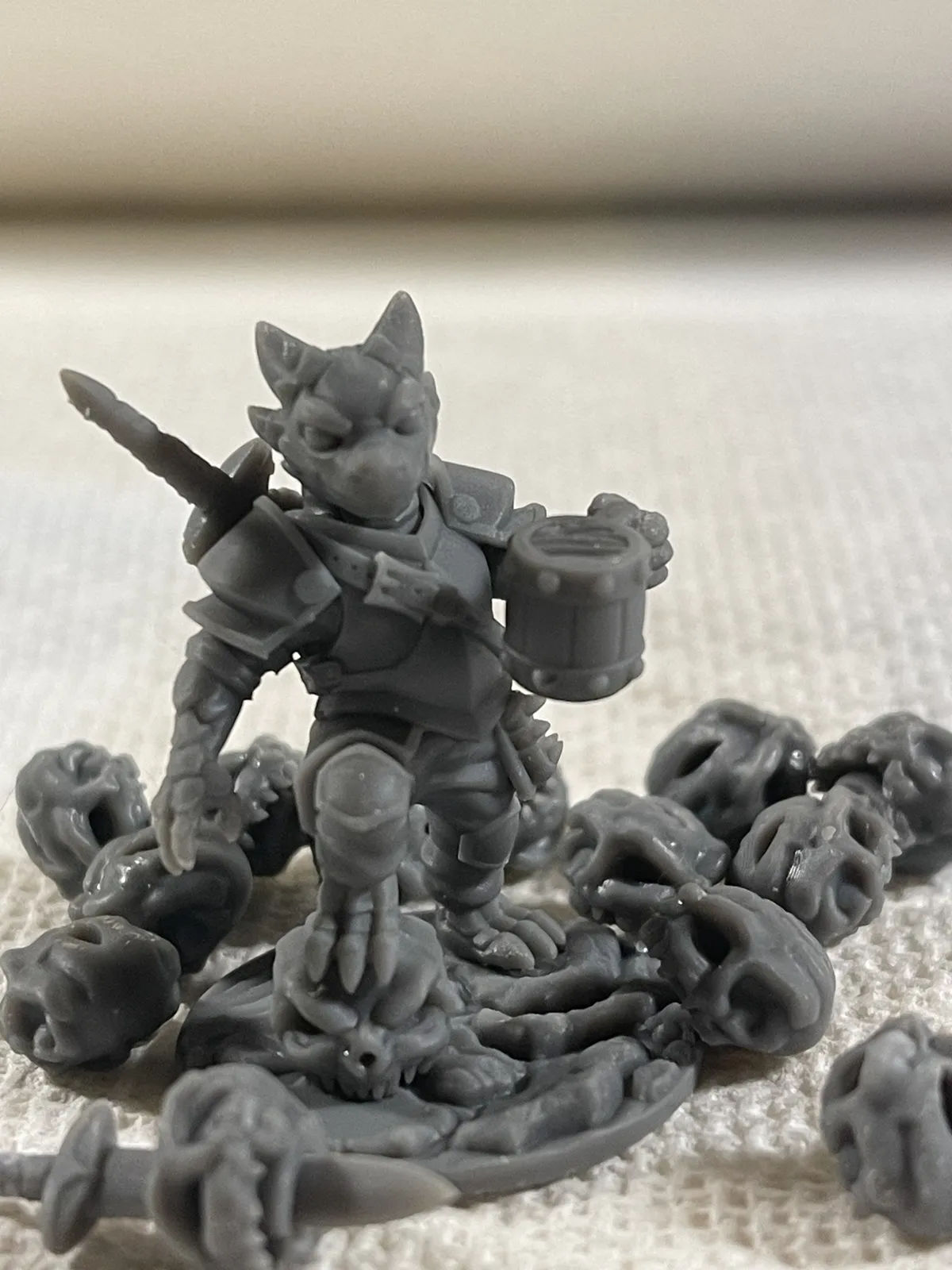
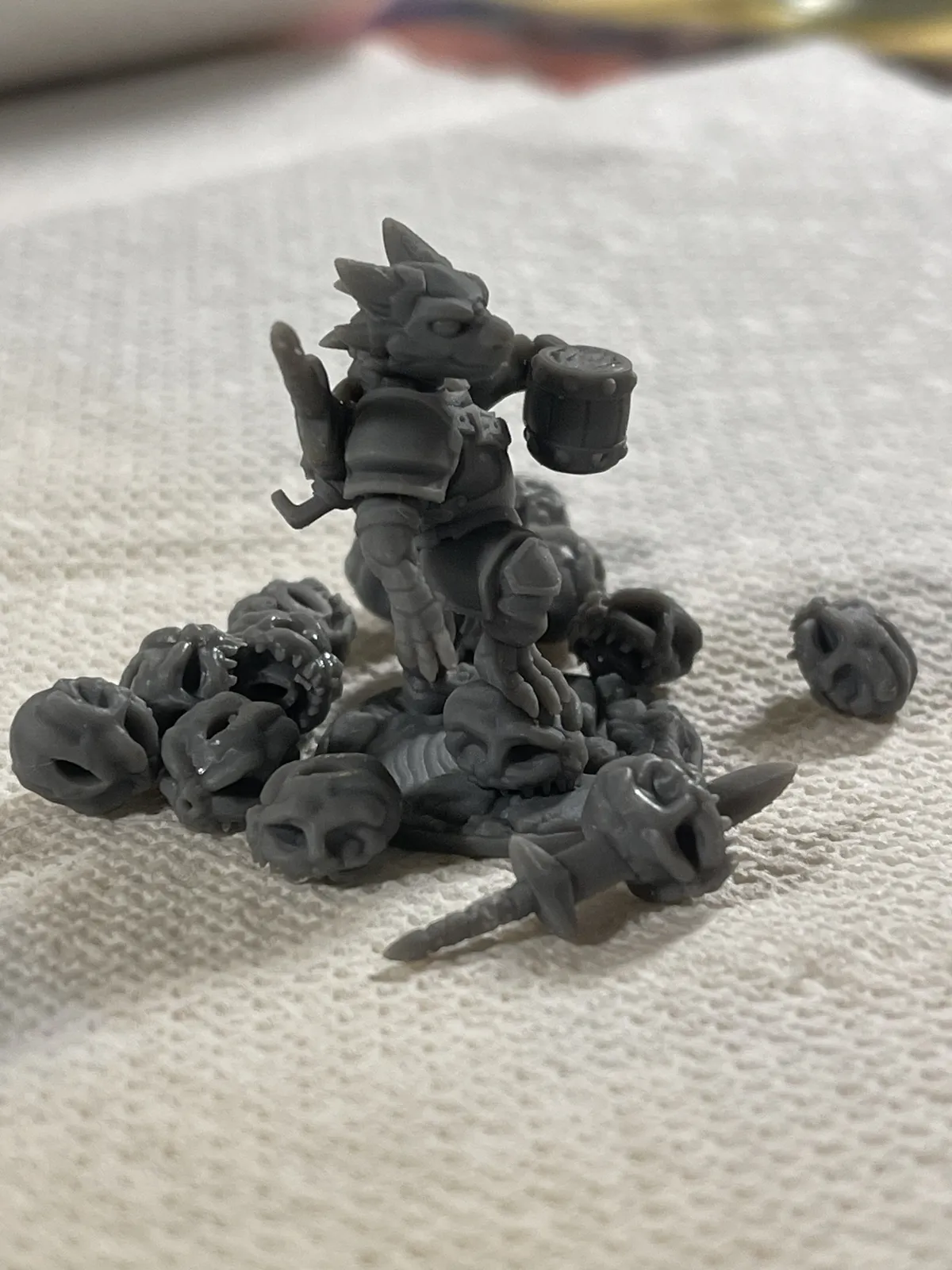
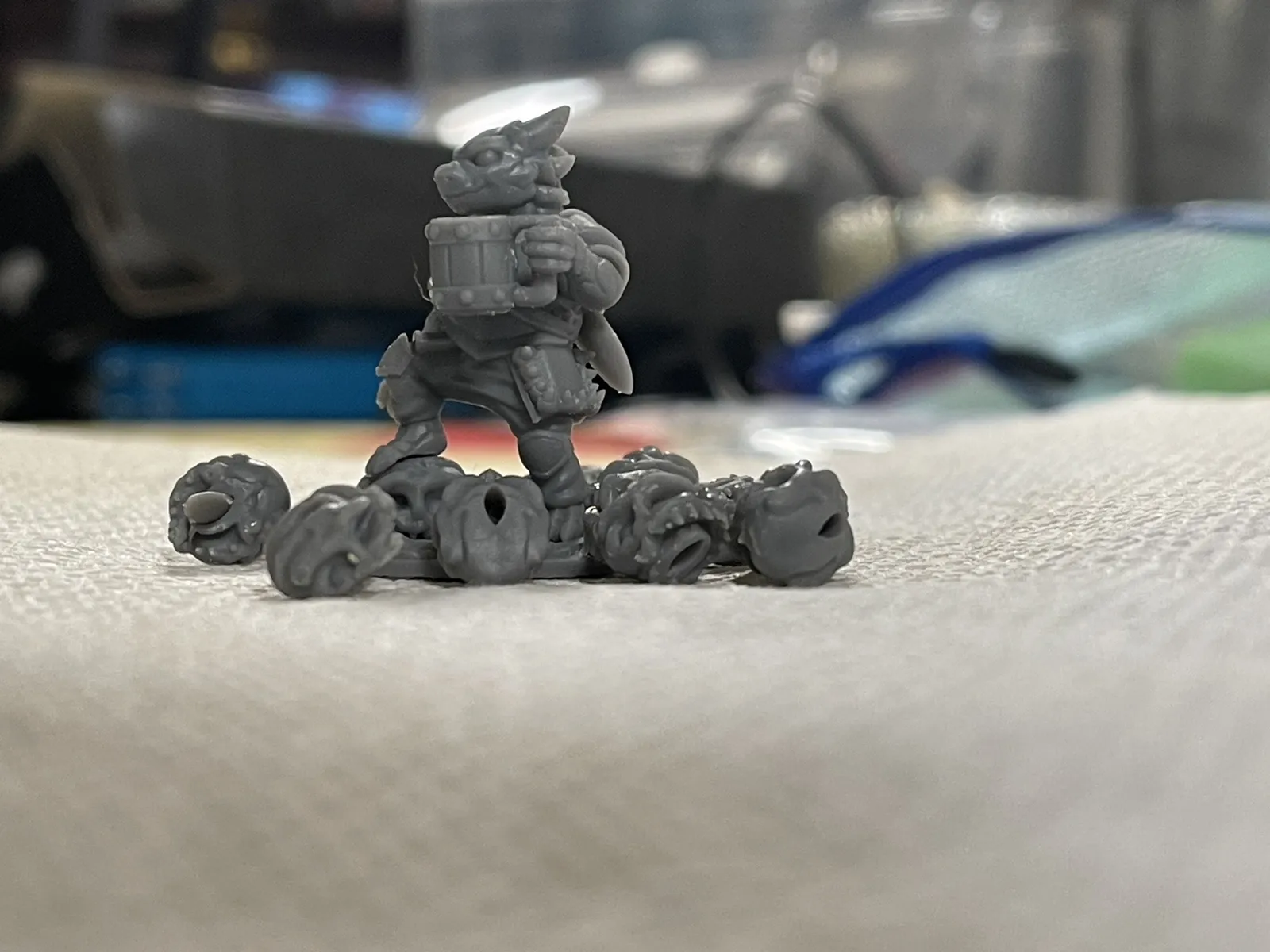
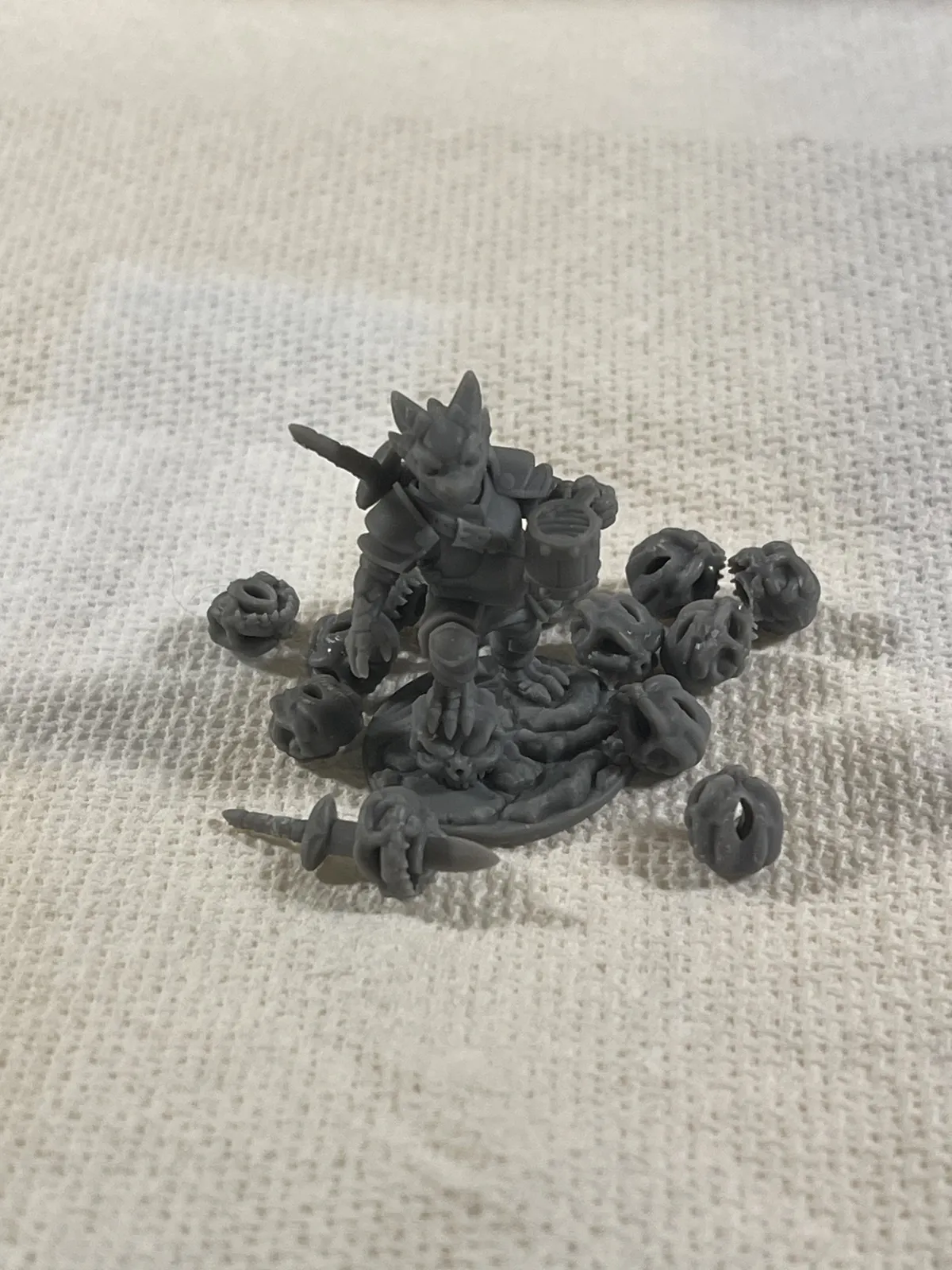
The mini that failed earlier was Puck the Adventurer, and I printed him again. Puck comes in the same download as TableFlip Foundry's Cones of Calibration V3, and TableFlip describes him as the final check after calibrating, with supports tuned to match the cones. The two are designed to go together: the skull, the tankard in his hand, and the sword on his back all come from the Cones of Calibration.
This time I printed him on the Saturn in the SUNLU ABS-Like Dark Grey at the 2.0 s exposure from above. He came out super clean, and nothing about him was hard.
The loose skulls and swords in the photos aren't part of Puck. I ran so many calibration prints that I took those pieces off them to keep as extra basing options for future minis.
Drip mods I've already printed
I do plenty of FDM printing, and I've already printed drip mods for both resin machines. I printed these before any resin printing.
Update, 2026-10-19: I used one of the drip mods on the Saturn during the calibration prints, and it worked gloriously. It's a little tight, though, so I'm printing a new drip mod that stays on the build plate.
I'm also printing a replacement for the drip tray that normally comes with the Saturn. Mine was used and didn't come with one, and it drips onto the outside of the printer a lot. Every time I moved the build plate during the calibrations, resin dripped everywhere, and I was wiping constantly. The plate-mounted drip mod and the drip tray are both going on the printer queue tonight; I haven't printed or tested either yet.
A move I wouldn't recommend
When moving my resin equipment, I left it in my truck for a day before getting it into the garage. The machines had been emptied for the move, and it reached about 85°F that day. I wouldn't recommend leaving resin equipment in a vehicle on a hot day. My concern is sunlight reaching any uncured resin residue left on the equipment.
I don't know whether anything was affected; I hadn't run either machine when I wrote this. I'll inspect the vats and build plates before use and record any problems I find. I can't call the move harmless or claim that heat damaged the machines.
I've also had cured resin end up in places I didn't want it on another resin machine. That's why I'm planning a defined dirty zone before this workspace sees any resin.
What I'd do differently
I've only run an exposure test, calibration prints, one failed mini, and its reprint in this setup, so I can't call this a finished lesson. I did start by asking where the printer goes; now I'm trying to answer where everything goes after the print.
What I'm working on next
- rerun the full-screen exposure test over a sheet of white paper; the first run looked like it might show a line on the left side of the LCD, but it was hard to see
- make checking the vat before every print a habit, and set up a proper funnel before draining it
- swap my old drip mod for the plate-mounted one; the old one works well but is still tight. Print the replacement Saturn drip tray too
- run water through the Wash & Cure's lines on their own, then water-test the station before setting up the dirty and clean washes
- set up the standing desk and work out the curing workflow
- set up the ductwork for the inline fan, finish the exhaust, and update my recommendation and setup notes